10 AI Rap Video Mistakes That Waste Credits
 AI Rap Video Team
The most common reasons an AI rap video comes out wrong, why each happens, and the cheapest fix — from soft photos and busy scenes to prompt rewrites.
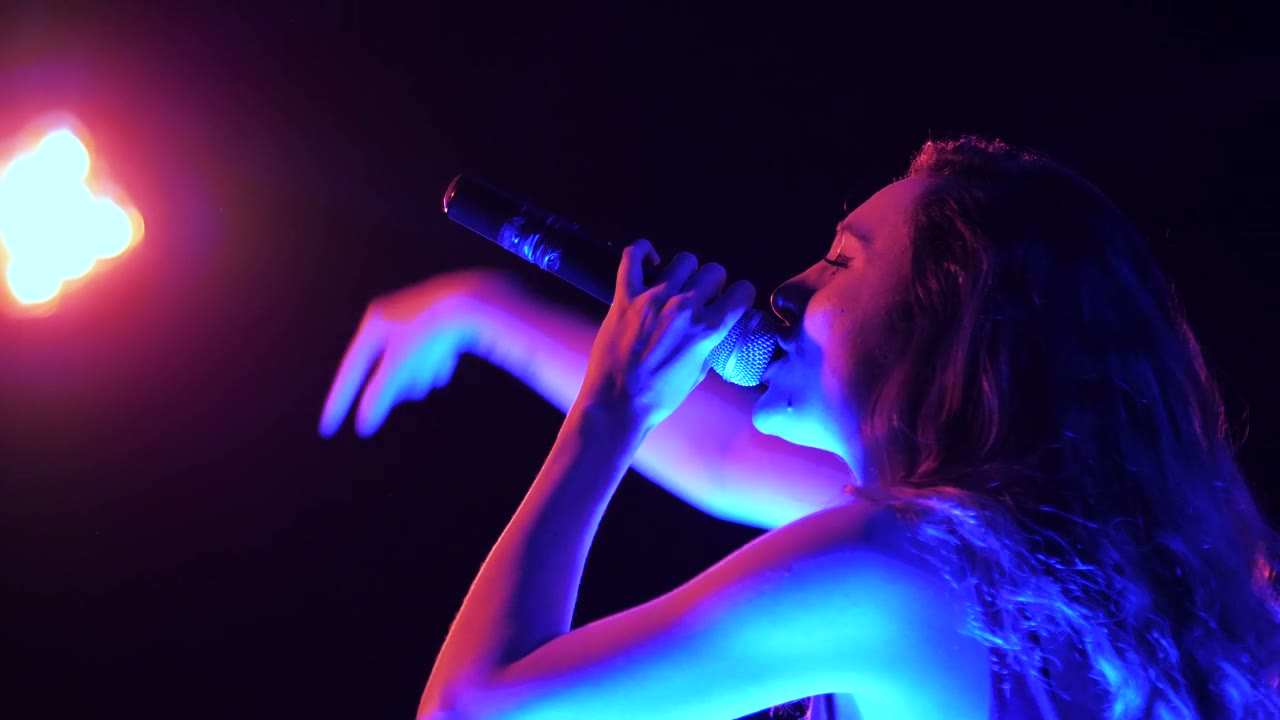
Most bad AI rap videos are not model failures. They are input failures, prompt failures or review failures, and each one has a cheap fix. The ten below account for the majority of wasted credits we see in this workflow, ordered by how often they happen.
1. Using a soft or filtered photo
What happens: the face drifts, the eyes change, the likeness weakens after two seconds.
Why: the model can only preserve what the photo contains. A compressed chat-app image, a beauty filter or a screenshot of a screenshot has already lost the detail.
Fix: use the original camera file, front-facing, evenly lit, eyes and hairline visible. This is the single highest-leverage change in the entire workflow.
2. Writing a mood instead of a shot
What happens: the performer stands still while the camera drifts; the clip looks like a stock loop.
Why: "cinematic", "cool" and "viral" are not instructions. The model has nothing physical to animate.
Fix: name one action and one camera move. "Leans into the microphone and performs to camera, slow dolly-in from medium to close."
3. Asking for a shot list in one render
What happens: the clip cuts randomly, changes location, or produces a smear in the middle.
Why: one render is one shot. A cut, a wardrobe change and a location change are three shots.
Fix: generate each shot separately and edit them together. This is also cheaper, because you can discard a bad shot without re-rendering the good ones.
4. Leaving hands free in frame
What happens: extra fingers, melted hands, a thumb that appears and disappears.
Why: hands are the hardest small object to keep coherent, especially in motion.
Fix: put a microphone, a pocket or a gesture in the hands. Keep them busy or out of frame. Never open on a close-up of a hand.
5. Packing the background with people
What happens: a third performer appears, or a crowd face morphs into the lead.
Why: every face is another identity the model has to track.
Fix: ask for silhouettes, backs of heads or an empty space. If the scene needs a crowd, keep the crowd out of focus and below the performer's shoulders.
6. Rendering twelve seconds before testing five
What happens: you spend the full credit cost to discover the photo and the scene do not work together.
Why: the first two seconds already contain the answer.
Fix: test at 480p or 720p for five seconds. Re-render only the setup that survives. Then spend on length and resolution.
7. Rewriting the whole prompt after every render
What happens: the next render is different in five ways, and you cannot tell which change helped.
Why: a prompt is a set of variables; changing all of them is not an experiment.
Fix: change one block at a time, in this order: camera, action, scene, photo. Keep a note of what worked.
8. Ignoring the aspect ratio until the edit
What happens: the performer is tiny in a vertical frame, or the top of the head is cropped in a wide one.
Why: composition is decided at render time, not in the editor.
Fix: render 9:16 for social and 16:9 for YouTube and web. If you need both, render both. A crop is not a format change.
9. Expecting lip sync
What happens: the client watches the mouth and notices it does not match the vocal.
Why: the studio generates a performance, not a dubbed performance. It never receives the audio.
Fix: use performance clips as B-roll and for teasers, and use a dedicated lip-sync tool for close-ups where the mouth is the subject. See AI music video vs lip sync.
10. Not labelling synthetic media
What happens: the post gets a "this is fake" comment thread, or the platform labels it for you.
Why: audiences forgive AI when they are told; they punish it when they are fooled.
Fix: add a short on-screen label or use the platform's AI disclosure. Post the source photo and the prompt as a second post. Transparency is cheaper than damage control.
A pre-render checklist
Before you press Generate:
- [ ] The photo is sharp, front-facing and evenly lit.
- [ ] There is one named action and one camera move.
- [ ] Hands are occupied or out of frame.
- [ ] The background has no extra faces.
- [ ] The aspect ratio matches the destination.
- [ ] The length is the shortest that tells the beat.
- [ ] The prompt repeats the identity guardrail at the end.
- [ ] You know what "good" looks like for this render.
If all eight are true, a failed render is a model limitation rather than a process mistake — and that is worth reporting, not re-rolling blindly.
How to review a render in thirty seconds
Play the clip once without pausing and ask three questions in order. Does the performer perform? If the body is static, the action sentence failed; stop watching and rewrite the action. Does the face survive the first and last frame? Scrub to the end and compare it with the start. If the jaw, hairline or skin tone has moved, the photo or the camera is the problem. Is there anything the viewer will stare at? Hands, a third figure, a wobbling earring, a sign with fake letters. Cover that element or remove it from the scene.
Only after those three passes should you judge whether the clip is good. Most re-rolls happen because the reviewer skipped to taste and never diagnosed the actual failure.
Review in batches, not one render at a time
Render the week's clips in one sitting and review them in the same sitting. Put the clips side by side, mute the sound, and watch each one twice. A batch makes inconsistency obvious: two clips from the same scene with different light, a performer whose face changes between renders, a camera move that repeats because the prompt never changed. Fix the batch-level problem before rendering the next batch. Reviewing one clip at a time hides those patterns and makes every render feel like an isolated judgement call.
What to do when a render still fails
Change the photo first. Then slow the camera. Then simplify the scene. Then shorten the clip. Only then rewrite the prompt from scratch. Most failures are upstream of the words, and the words are the easiest thing to blame.
For a prompt library built around these rules, read 12 AI rap video prompts. For the full workflow, see how to make an AI rap video.
Related guides
How to Make an AI Rap Video From One Photo (2026 Guide)
The exact workflow for turning one portrait into a rap performance clip: choose the photo, pick a scene, write one action, render, review and export.
AI Rap Duo Video Guide: Two Faces, One Scene
How to generate a convincing rap duo video from two photos: matching light, blocking, who leads, how to avoid face swaps and how to cut the result.
Hotel Lobby AI Trend: The Orange Booth Clip, Explained
Why the Hotel Lobby AI trend took over feeds, where the orange booth format comes from, and how to build your own two-photo clip without borrowing someone else’s face.