AI Rap Duo Video Guide: Two Faces, One Scene
 AI Rap Video Team
How to generate a convincing rap duo video from two photos: matching light, blocking, who leads, how to avoid face swaps and how to cut the result.
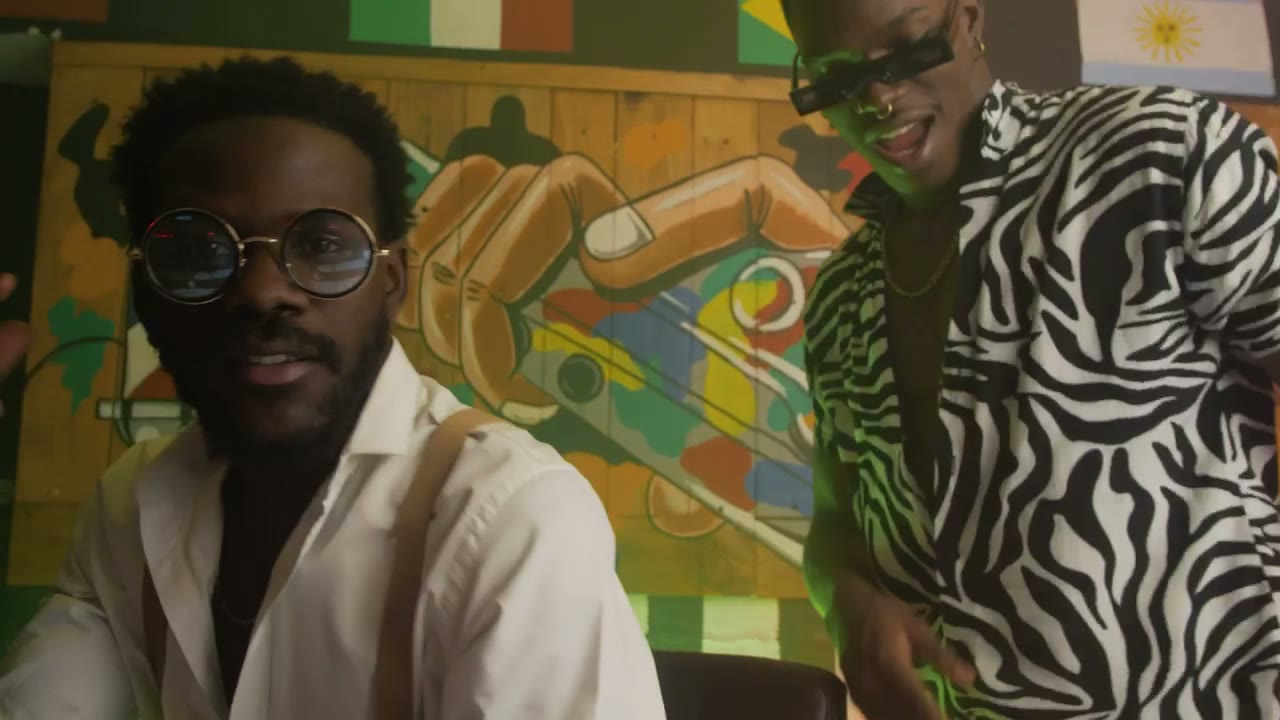
A duo video is not a solo clip with a second person added. The whole image depends on the relationship between two performers: who is on the left, who leads, how far apart they stand and where the camera puts them. Get that blocking right and a five-second clip reads as a scene. Get it wrong and you have two people standing next to each other, waiting for direction.
This guide covers the decisions that matter when you generate a rap duo from two photos, plus the failure modes that are specific to two-person renders.
Start with two photos, not one group shot
The studio accepts one photo per performer. Separate photos are better than a group shot because each face gets its own reference. In a group photo, one person's shoulder covers part of another, shadows overlap, and the model has to guess which features belong to which person. That guess is where face swaps begin.
Choose portraits with similar lighting. If one performer is lit by a window and the other by a phone flash at midnight, the pair can still render, but they will look composited. Similar colour temperature is the biggest single improvement you can make before uploading.
Both faces should be clearly visible. Hats that hide the hairline, sunglasses and heavy beauty filters all reduce the information the model needs. The same rules as a solo portrait apply, twice.
Decide who leads before you write the prompt
Every good two-shot has a lead. One performer drives the exchange; the other reacts. If both performers do the same thing with the same energy, the frame feels flat and the model has no reason to move the camera.
Name the lead in the prompt: "the performer on the left gestures to the crowd while the performer on the right nods and laughs." That single sentence creates a relationship. It also gives the model two different actions to render, which is easier than making both people perform identically.
If you want a true back-and-forth, split it across two clips. Clip one gives the left performer the line; clip two gives the right performer the response. Cut them together on the beat. One render cannot hold a full exchange without losing one of the faces.
Blocking that survives a phone screen
The safest duo composition is side by side, both faces visible, camera at chest height, a slow push-in. It is not cinematic, but it reads at phone size and it keeps both identities in frame for most of the clip.
Avoid placing one performer directly behind the other. A three-quarter overlap looks good in a still and becomes a face-swap generator in motion. Avoid a fast orbit around two people: the model has to reconstruct the side it cannot see, and that is where bodies merge.
If the scene needs distance between the performers, say so explicitly: "one step apart, facing each other." Distance is dramatic when it is intentional. When it is accidental, the pair looks like strangers queuing.
Match the scene to the relationship
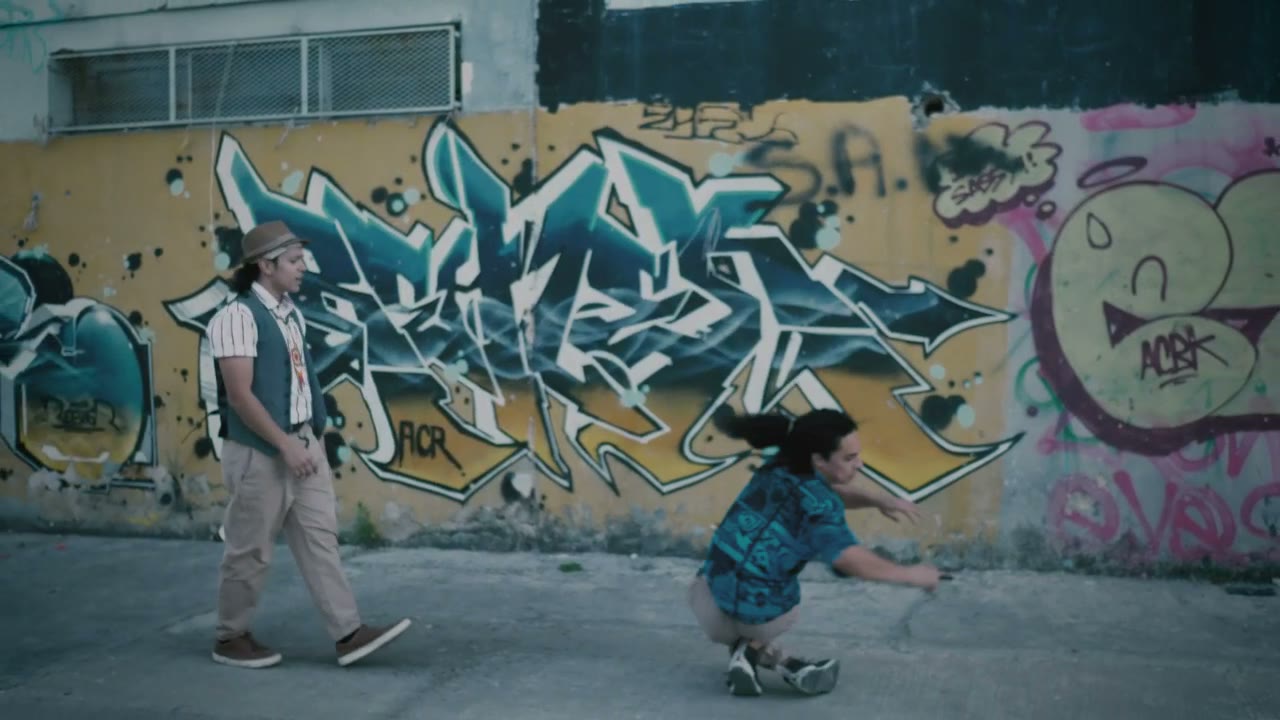
A duo on a club stage reads as a shared performance. A duo on a rooftop reads as a cypher or a crew. A duo on a retro sidewalk reads as a friendship, a memory or a golden-era homage.
Pick the scene that describes the relationship you want, not just the one with the best lighting. Two performers trading verses in a small club say something different from two performers standing silently in a wide street. The background is part of the story.
The studio's four presets cover stage, booth, cypher and retro sidewalk. For a duo, Duo Stage and Retro VHS are the most reliable because both are built around two people. Night Cypher works when one performer is clearly the lead and the other is part of the circle.
The two-person failure modes
Face swap. The performers exchange features mid-clip. Cause: similar outfits, similar hair, fast camera or low-resolution photos. Fix: differentiate the wardrobe, slow the camera, replace the weaker photo.
Merged shoulders. The pair becomes one silhouette. Cause: performers too close, camera too far, busy background. Fix: ask for one step of space and a simpler backdrop.
Third person. An extra figure appears at the edge of frame. Cause: a crowd described without limits. Fix: ask for silhouettes only, or remove the crowd entirely.
One performer freezes. The second person stands still while the lead performs. Cause: the prompt gave only one person an action. Fix: give the reactor a small, specific beat — a nod, a laugh, a hand on the chest.
Wardrobe drift. One outfit changes colour or shape. Cause: fast movement and a palette with too many competing colours. Fix: simplify the wardrobe and the light.
Editing two clips into a conversation
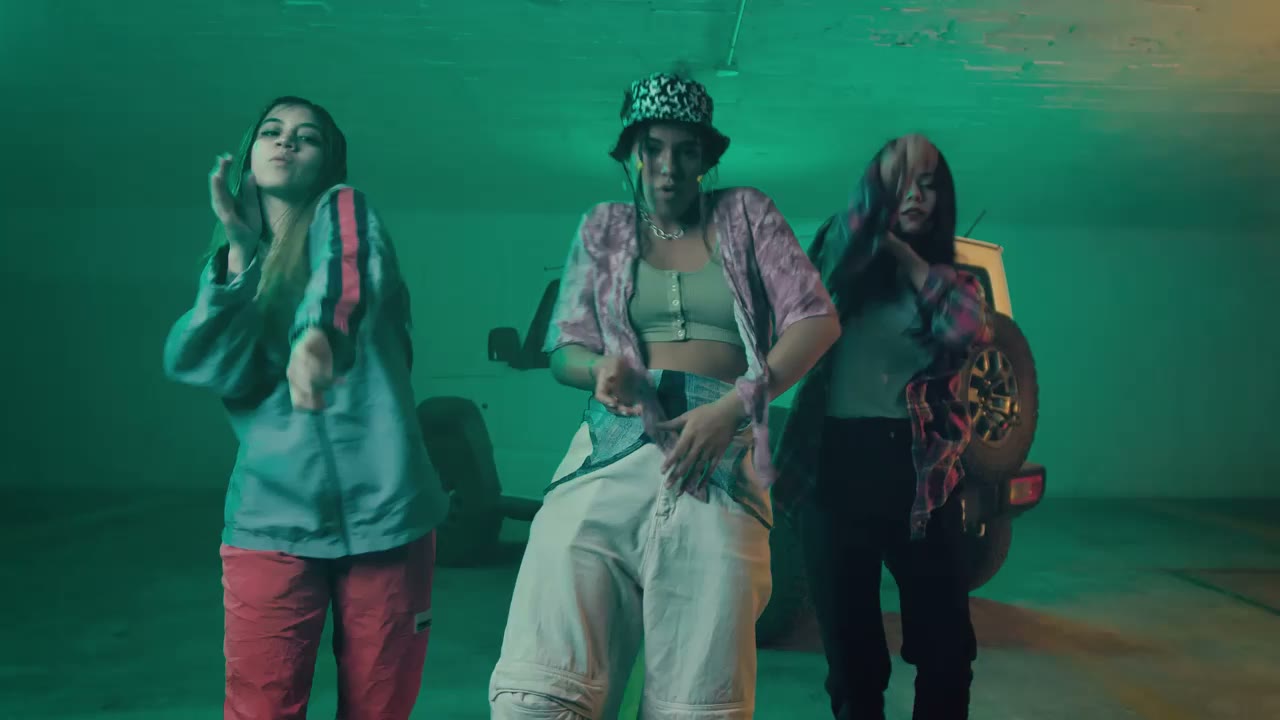
Generate each performer as the lead in a separate clip, then cut between them on the bar line. This is how you get a real exchange without asking one render to do too much. Use the same location, palette and lens language in both prompts so the cut feels continuous.
A simple sequence: wide two-shot to establish, close on the left performer, close on the right performer, back to the wide for the reaction. Four cuts, two generated clips, and the viewer reads a conversation.
Add the track last. The performance is silent, so the rhythm of the cut should follow the vocal, not the other way around. If a line lands on a cut, the edit feels intentional even when the underlying clips are simple.
A short checklist before you render
- Two photos, one performer each, similar light.
- One named lead and one named reaction.
- Side-by-side blocking, both faces visible.
- One camera move, no orbit on the first attempt.
- A background simple enough to keep two identities separate.
- Five to eight seconds for the first test.
If all six are true, the render usually works. If one is missing, fix it before you spend credits on a second attempt.
What to read next
The AI rap video generator page covers the studio itself. For the single-performer workflow, read how to make an AI rap video. If you are staging a confrontation rather than a collaboration, the rap battle video guide has the blocking notes.
Related guides
How to Make an AI Rap Video From One Photo (2026 Guide)
The exact workflow for turning one portrait into a rap performance clip: choose the photo, pick a scene, write one action, render, review and export.
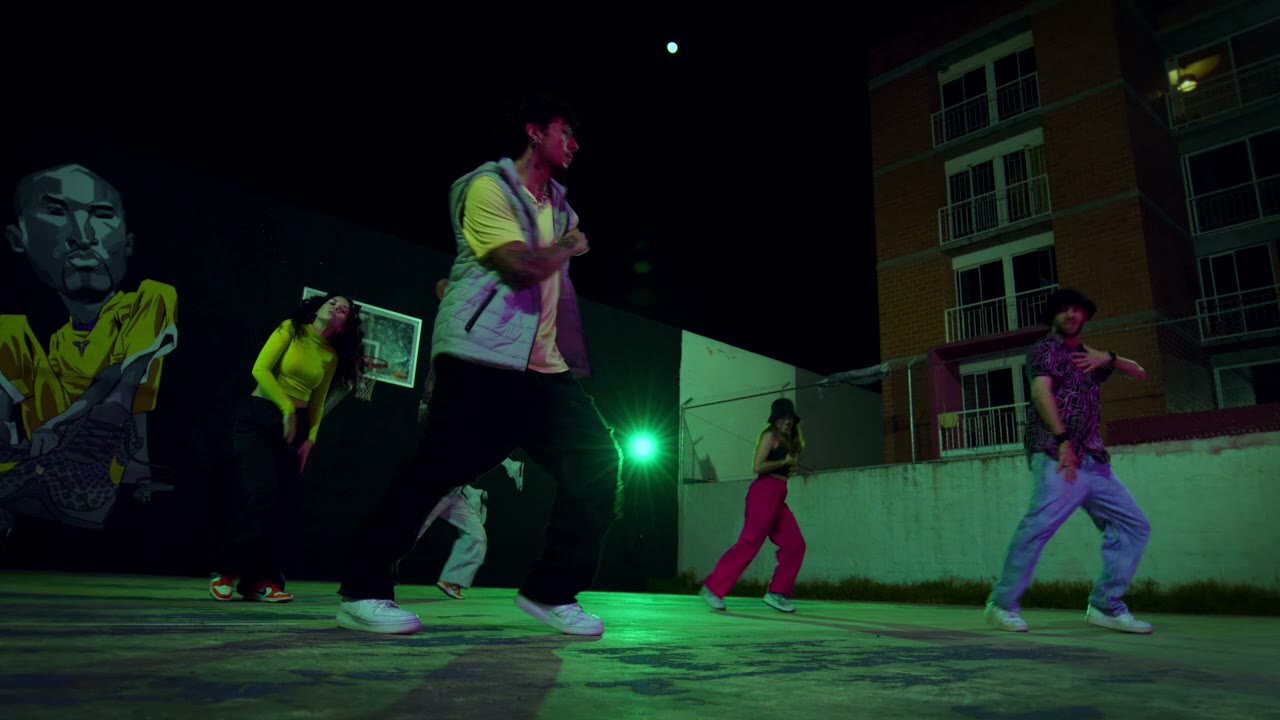
12 AI Rap Video Prompts That Actually Work
Twelve copy-paste prompts for rap performance clips: club stage, booth, cypher, retro sidewalk, drill rooftop, lyric bed and more, with the guardrails that keep faces stable.
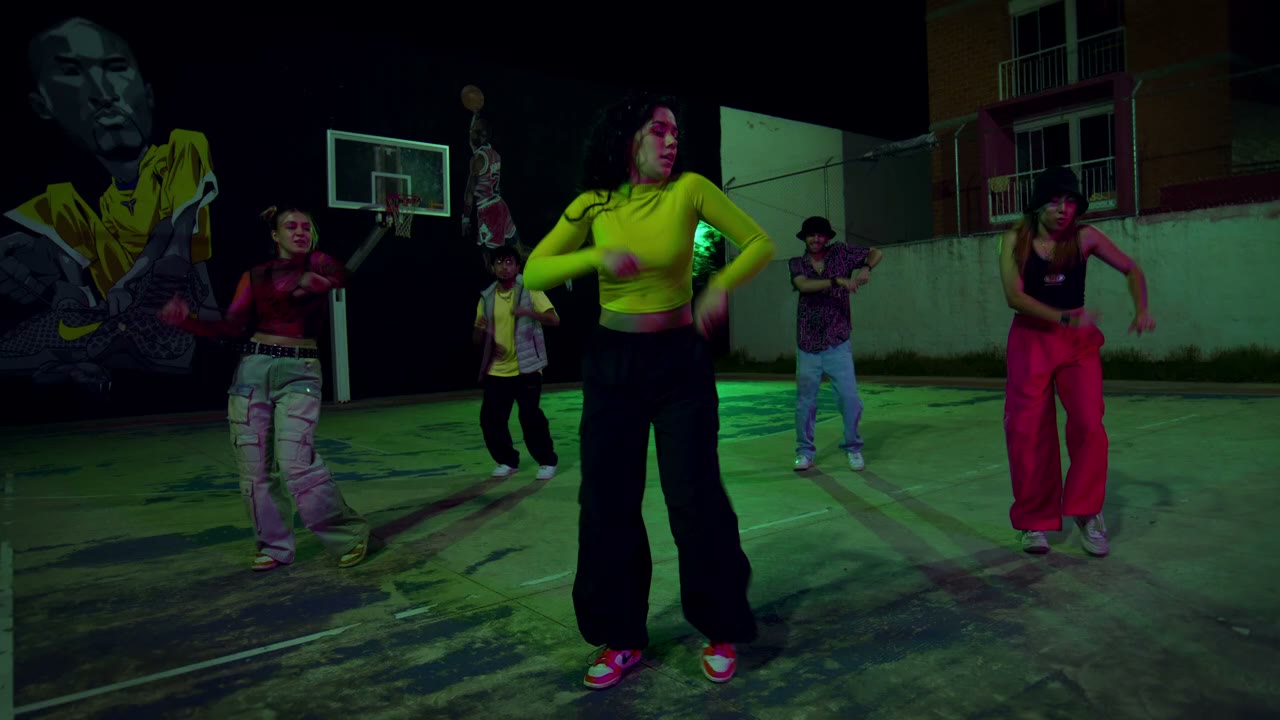
Seedance 2.0 for Rap Videos: What It Does Well
A practical look at Seedance 2.0 for rap performance clips: motion, likeness, lighting, text and the shot types it handles best, with honest limits.