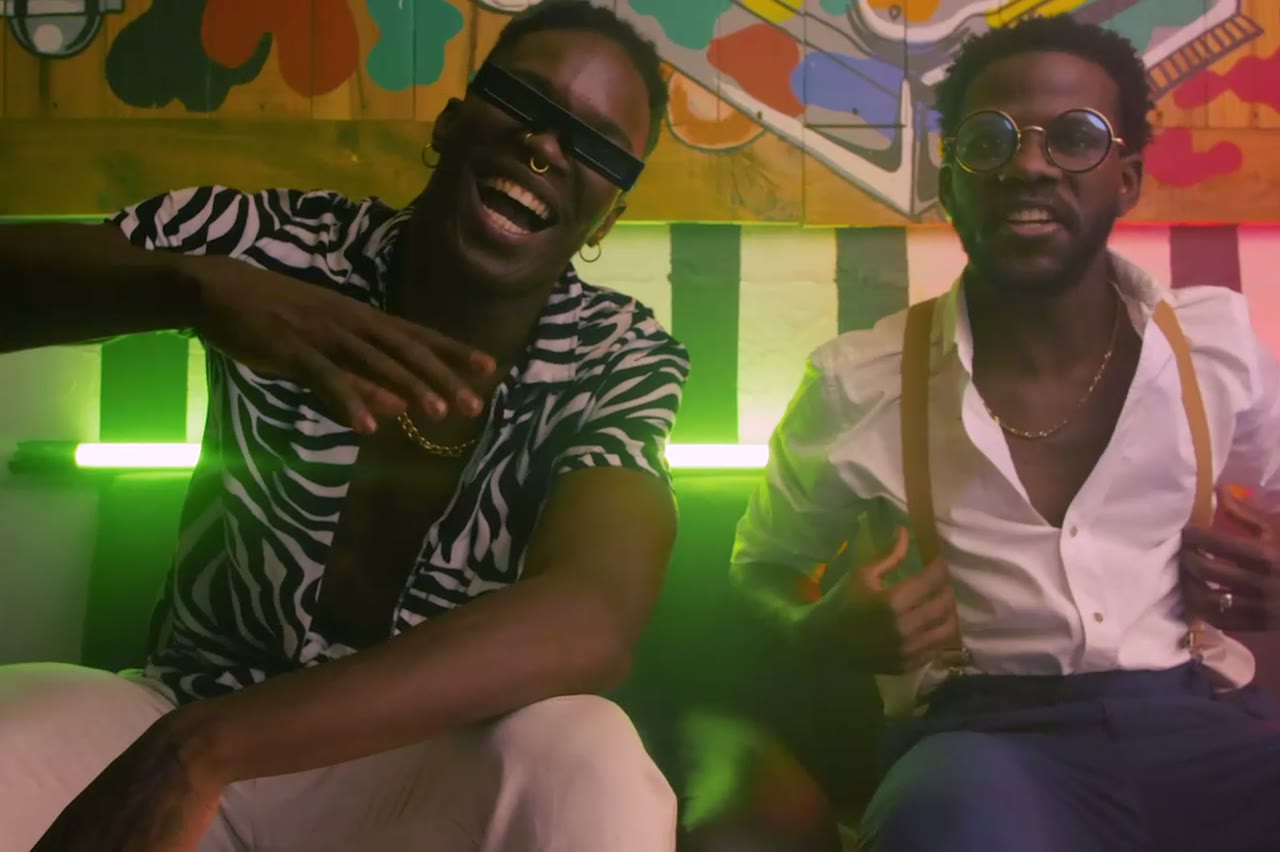
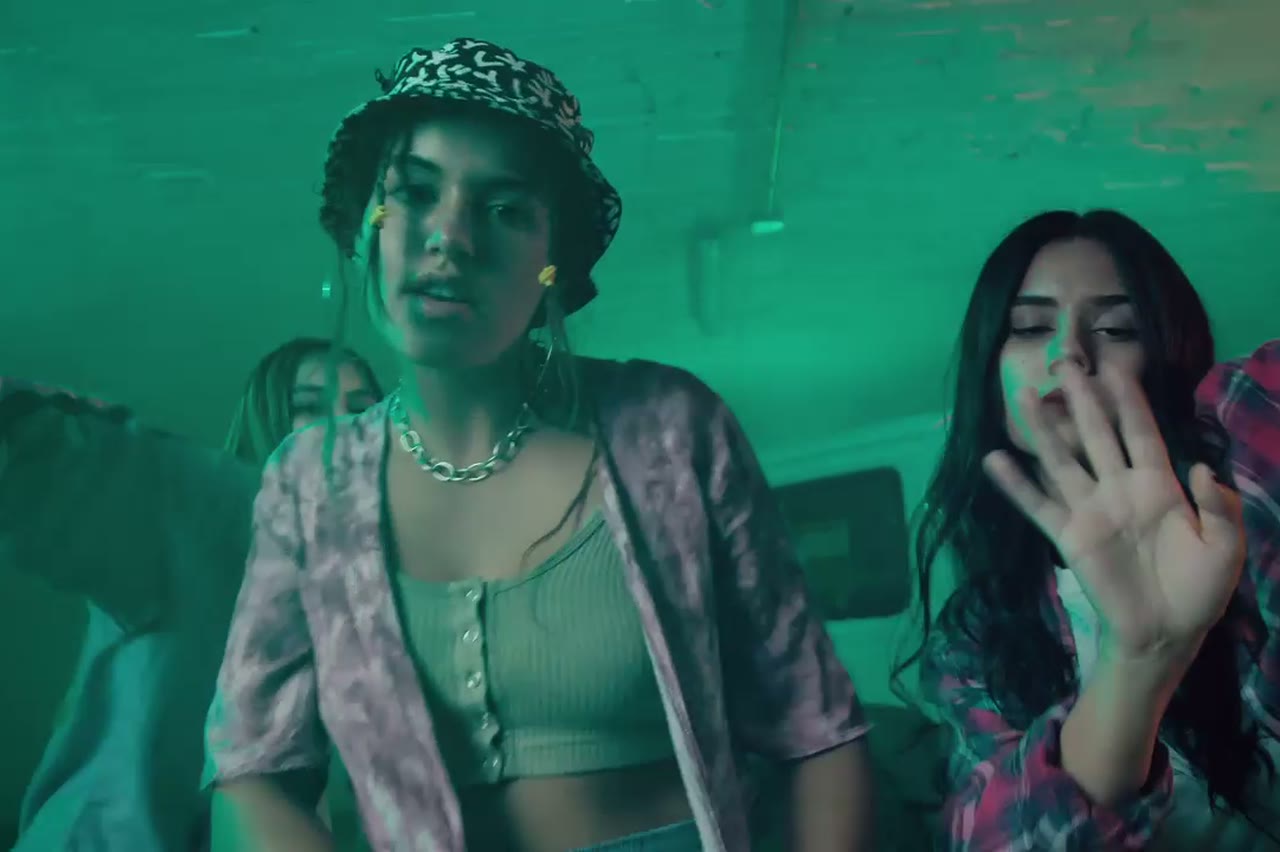
Two photos · One shared scene

AI Rap Duo Video

A duo video lives or dies on the relationship between two people in frame: who leads, who reacts, how close they stand and where the camera puts them. The studio accepts two photos, casts both performers into one scene, and renders a continuous shot of them trading verses.

The hard part is not generating two people. It is keeping both faces and outfits stable while the camera moves and the pair interacts. The duo presets are written around that constraint: one shared action, one camera move and an explicit instruction to preserve both identities.

Clips on this page are AI-generated previews. They are fictional and not a record of a real event.

Updated 24 October 2026

Two performers trading verses on a club stage under magenta light, AI rap duo video
Length
5–12 seconds
Resolution
480p · 720p · 1080p
Aspect ratio
9:16 · 16:9 · 1:1
Watermark
None on paid renders
Model
Seedance 2.0
Moderation
SeeAPI, fail-closed

Two references, one shot

Upload each performer separately. Separate photos give the model a clean view of each face instead of forcing it to untangle a group photo.

Blocking that reads at phone size

The presets use side-by-side staging and a two-shot, so neither performer is hidden behind the other when the clip is cropped in a feed.

Reaction is part of the performance

A nod, a laugh, a hand to the crowd. The prompts ask for small reactions because a duo where one person stands still looks like a failed render.

How it works

  1. 1

    Choose two clean portraits

    One performer per photo, face unobstructed, similar lighting if possible. Matching light makes the pair look like they were filmed in the same room.

  2. 2

    Decide who leads

    Name the lead in the prompt and give the second performer a reaction. Ambiguous blocking is the most common reason a duo clip feels stiff.

  3. 3

    Pick a shared scene

    A club stage, a rooftop cypher or a retro sidewalk. Keep the background simple enough that both performers stay legible.

  4. 4

    Render and check the pair

    Watch for face swaps, merged shoulders and a third person appearing at the edge of frame. If any appear, simplify the camera move and retry.

Start from a tested prompt

Each prompt is complete: subject, scene, camera and what must not change. Copy it or open the studio with it pre-filled.

Two rappers with a boombox on a sunlit 1990s sidewalk, retro AI duo clip

Duo Stage

Two rappers trade verses on a small club stage.

Prompt (English)

Use the two people in the uploaded photos as the only performers. A small club stage at night, purple and magenta lights cutting through haze, a packed crowd in silhouette at the front. The two rappers stand side by side trading verses, one gesturing to the crowd while the other nods to the beat. One continuous handheld shot at chest height that pushes in from the back of the stage to a tight two-shot, then drifts slightly right. Keep the faces, hair, outfits, skin tone and body proportions exactly as photographed. No lip-sync mismatch, no extra people, no text, no watermark, no logo. Vertical 9:16.

Use in studio

Retro VHS

A 1990s sidewalk scene with a shared boombox.

Prompt (English)

Use the two people in the uploaded photos as the only performers. A sunlit city sidewalk in the mid-1990s, a large silver boombox on the ground between them, brick wall and parked cars behind. The pair trade verses and laugh between lines, baggy outfits moving with the beat. One continuous handheld shot with a slight zoom, framed like a 1990s music-video segment, warm film grain and soft VHS halation. Keep the faces, hair, outfits and body proportions exactly as photographed. No period-inaccurate screens, no extra people, no text, no watermark, no logo. Vertical 9:16.

Use in studio

Night Cypher

One lead performs while a circle watches on a rooftop.

Prompt (English)

Use the person in the uploaded photo as the lead performer. An empty rooftop car park at night, wet concrete reflecting orange sodium lights, a loose circle of six silhouetted figures clapping. The rapper walks into the centre of the circle and performs, turning slowly to face the camera. One continuous low-angle tracking shot that circles the performer at knee height, ending on a medium close-up. Keep the face, hair, outfit and body proportions exactly as photographed. No fighting, no extra foreground people, no text, no watermark, no logo. Vertical 9:16.

Use in studio

Why separate photos beat one group shot

A group photo contains occlusions: one person's shoulder in front of another, a shared shadow, a hand entering the frame. The model has to guess which pixels belong to which person. Two individual photos remove that ambiguity and give each face its own reference.

Take the photos in similar light if you can. One performer lit by a window and the other by a phone flash will still render, but the pair can look composited. Similar colour temperature is the single biggest improvement you can make before uploading.

Blocking a two-shot without a director

Write the frame like a shot list. Who is camera left, who is camera right, who gestures first, where the camera starts and where it ends. The model follows spatial language well when it is concrete: side by side, facing each other, one step apart.

Avoid asking for a cut, a hug and a walk in the same five seconds. A duo clip works when it captures one exchange. Save the second exchange for a second render and cut them together in your editor.

What to do when one face drifts

If one performer changes and the other holds, the weak photo is usually the cause. Replace the drifting photo with a sharper, front-facing image before you touch the prompt. If both drift, the camera move is probably too fast or too wide.

A slower push-in with both faces visible for most of the clip is the safest duo shot. Save the orbit and the walk-around for a second render once the basic two-shot is clean.

Questions people ask

Can I use one group photo instead of two separate photos?

Yes, but results are less stable. A group photo hides parts of each face and makes it harder for the model to keep both identities separate.

Do both performers need to be the same size in frame?

No. You can ask for one closer to camera, but both faces should stay visible. A strong height difference is fine; a hidden face is not.

Can the duo be two versions of the same person?

Technically yes, but the result often looks like a clone effect. If that is the intent, say so explicitly in the prompt.

Will they look at each other or at the camera?

Whatever the prompt says. Side-by-side presets usually have one performer addressing the camera and the other reacting. Name the eyeline if it matters.

Can I add a third performer?

The studio is built around one or two references. Three or more faces in a short clip usually produces swaps and merged bodies. Split them across separate clips.

Does the duo video include audio?

No. Add your track in an editor after download. The clip is a silent visual.

What if one performer's outfit changes mid-clip?

Simplify the scene and slow the camera. Fast movement and busy backgrounds are the usual causes of wardrobe drift.

Turn your photo into a clip

Start with the preset on this page, or write your own shot. Credits are shown before you generate, and failed renders are refunded.