Seedance 2.0 for Rap Videos: What It Does Well
 AI Rap Video Team
A practical look at Seedance 2.0 for rap performance clips: motion, likeness, lighting, text and the shot types it handles best, with honest limits.
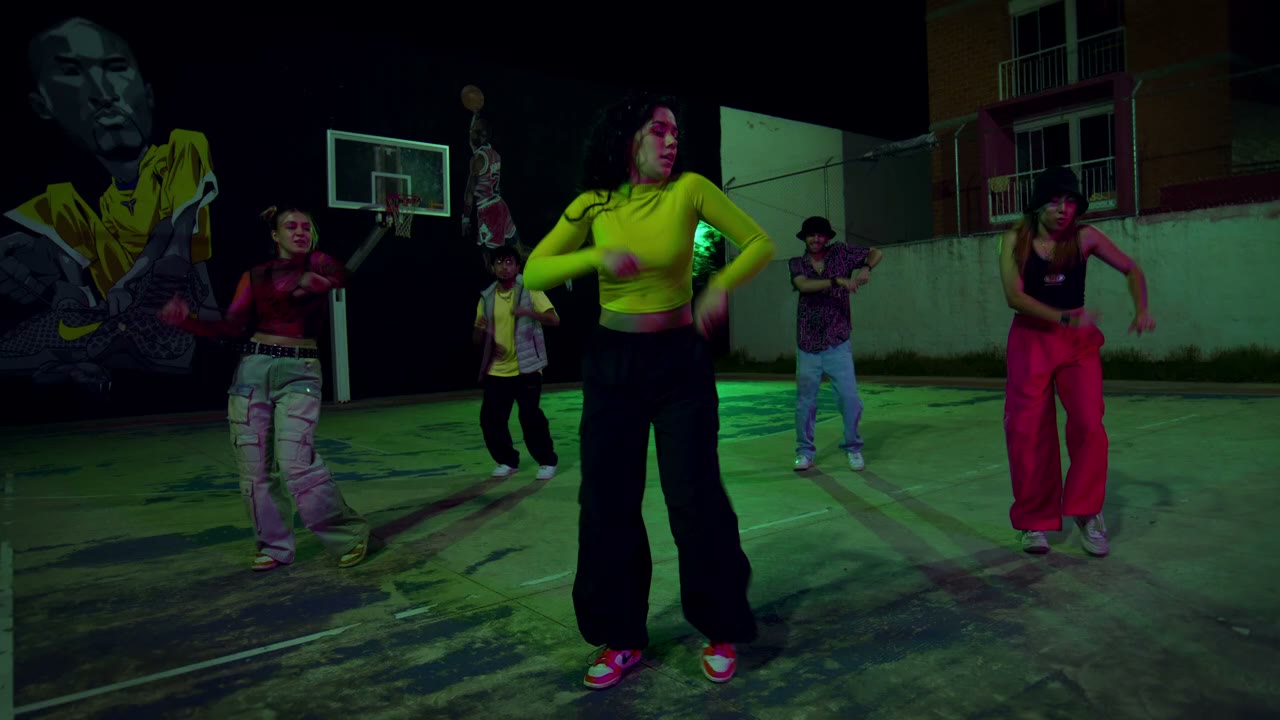
Seedance 2.0 is the video model behind this studio. It is good at short, cinematic performance shots: fabric moving with a body, coloured light cutting through haze, a camera that pushes in without losing the subject. It is not a music video engine. Knowing which half of that sentence applies to your idea saves credits.
This guide is about the model's behaviour in rap-specific shots. It is not a benchmark and it is not affiliated with the model's maker. Everything below comes from the shot types this studio exposes and the failure modes those shots produce.
What the model is good at
Light and atmosphere. Coloured practicals, haze, rim light and wet surfaces render convincingly. A club stage or a rooftop at night gives the model enough visual information to build a believable room.
Fabric and silhouette. Hoodies, jackets and loose clothing move with the body. That matters in rap visuals, where the silhouette often carries as much attitude as the face.
A single camera move. A push-in, a lateral track or a slow orbit works when the subject stays in frame. The motion is smooth enough to feel directed rather than generated.
Short performance beats. A nod, a gesture, a step toward camera, a turn to the lens. These read cleanly in five to twelve seconds, which is exactly the format the studio sells.
What it is weak at
Text. Signs, labels, tattoos with lettering and on-screen lyrics all degrade. The model can produce something that looks like text from a distance and turns into nonsense up close. Every preset excludes readable text for this reason.
Hands in close-up. Fingers are the most common failure. Keep hands on a microphone, in a pocket or moving quickly enough that the viewer does not study them.
Precise lip-sync. The model does not receive your vocal stem and cannot sync to it. A performance clip looks like performance; it does not look dubbed. Add the track in an editor and cut around the mismatch.
Multi-shot continuity. One render is one shot. Asking for a cut, a location change and a wardrobe change in the same clip produces mush. Generate separate shots and edit them.
Real, identifiable people. Requests involving celebrities or public figures are refused, and using a real person's likeness without consent is not allowed. Upload only people who have agreed to appear.
The shot types that fit the model
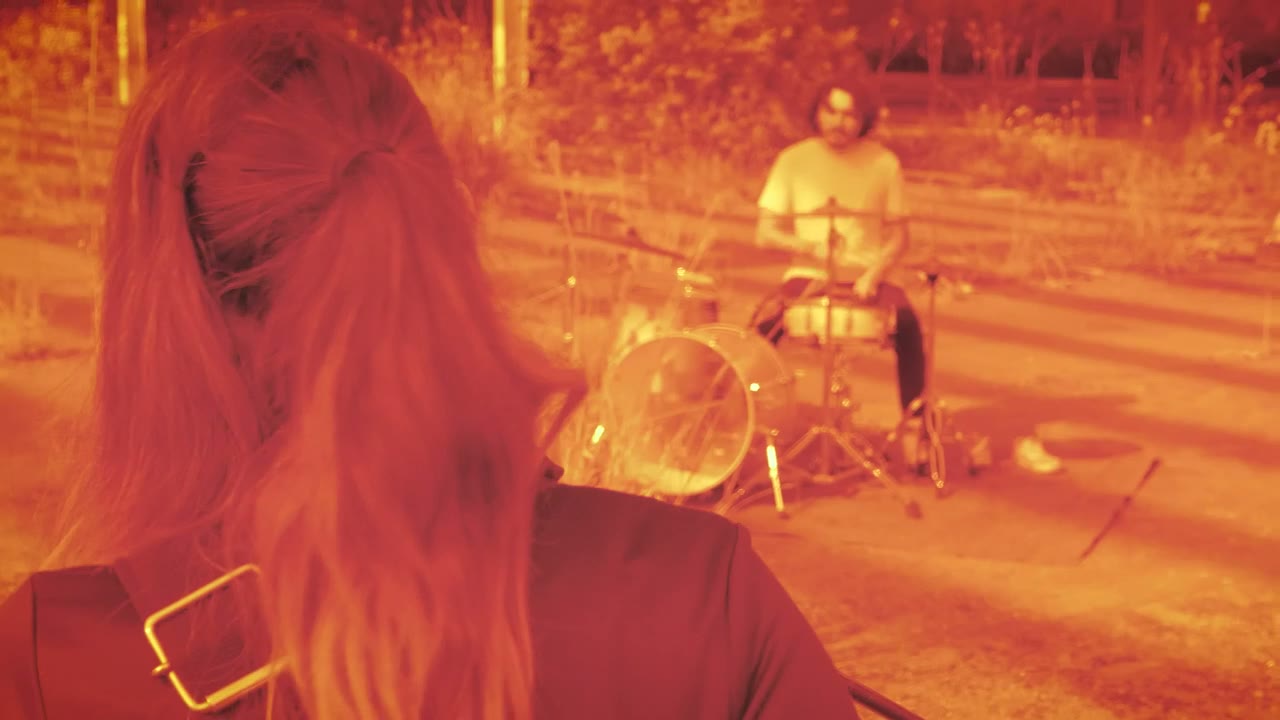
The presets are chosen around the model's strengths, not around an arbitrary list of music-video tropes:
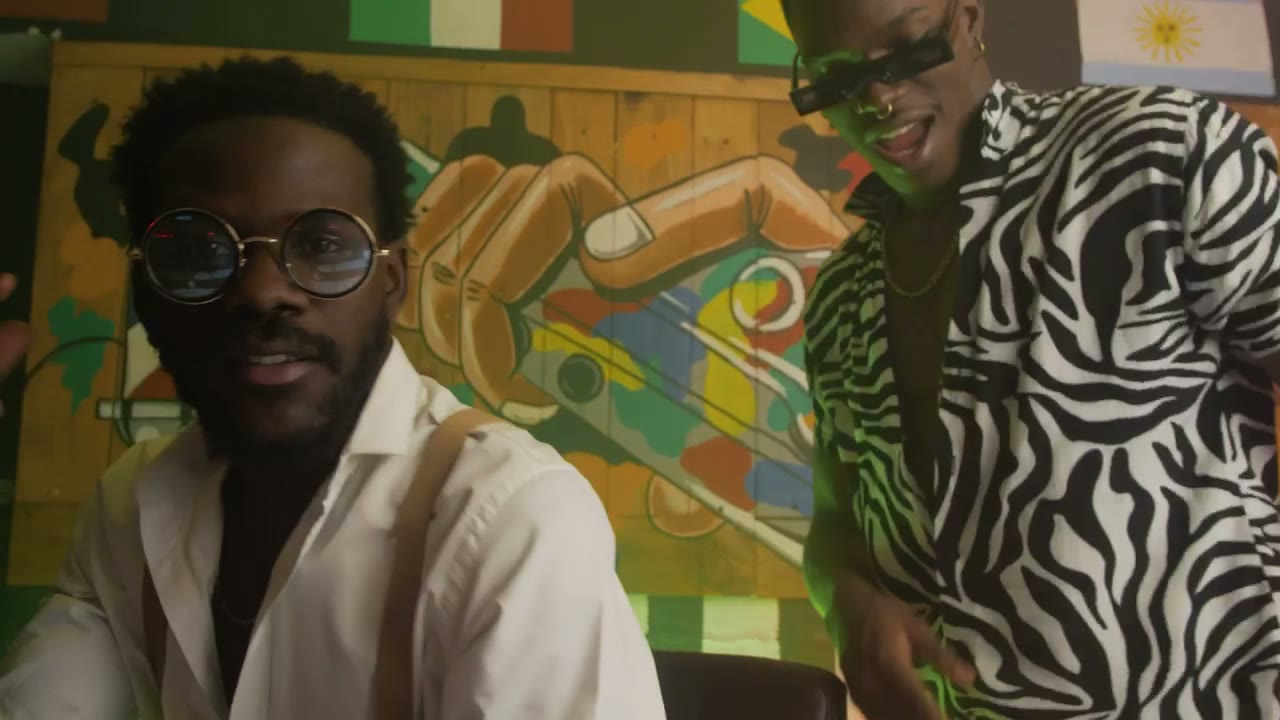
- Club two-shot. Two performers, a crowd in silhouette, a handheld push-in. The background is busy but the faces are large.
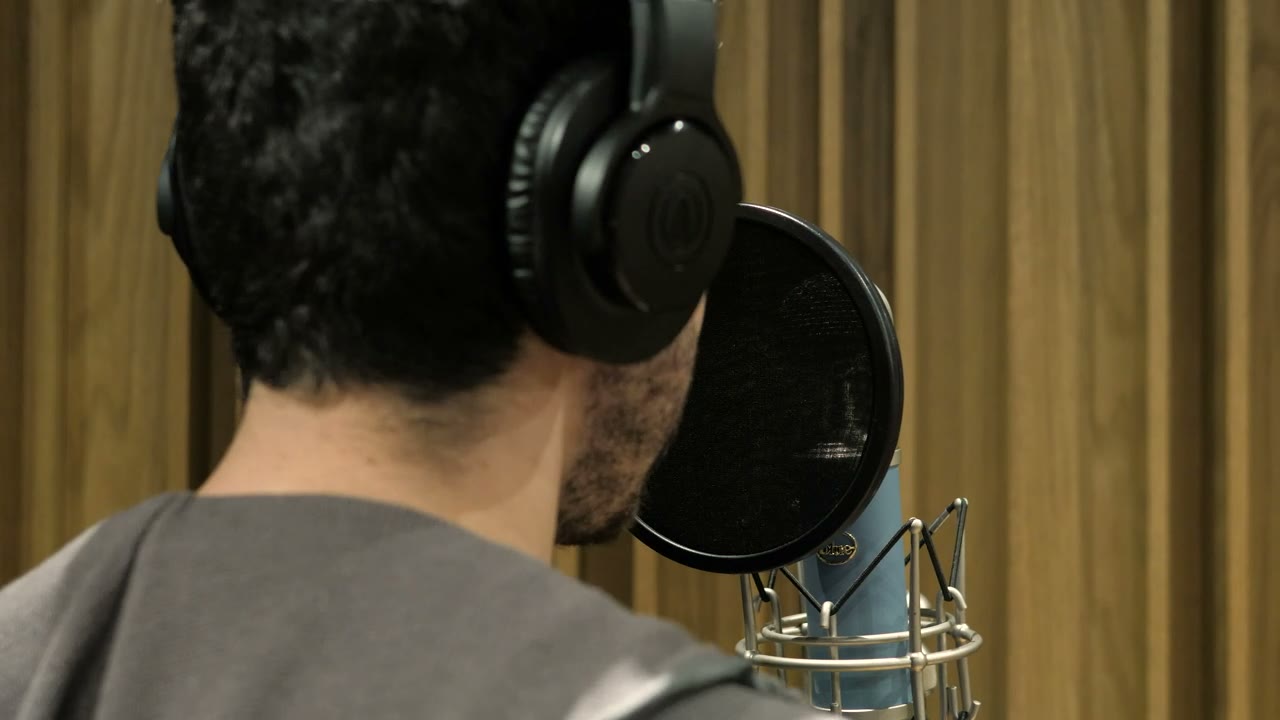
- Booth close-up. One performer, a microphone, warm key and cold rim. The simplest identity test and the most reliable shot.
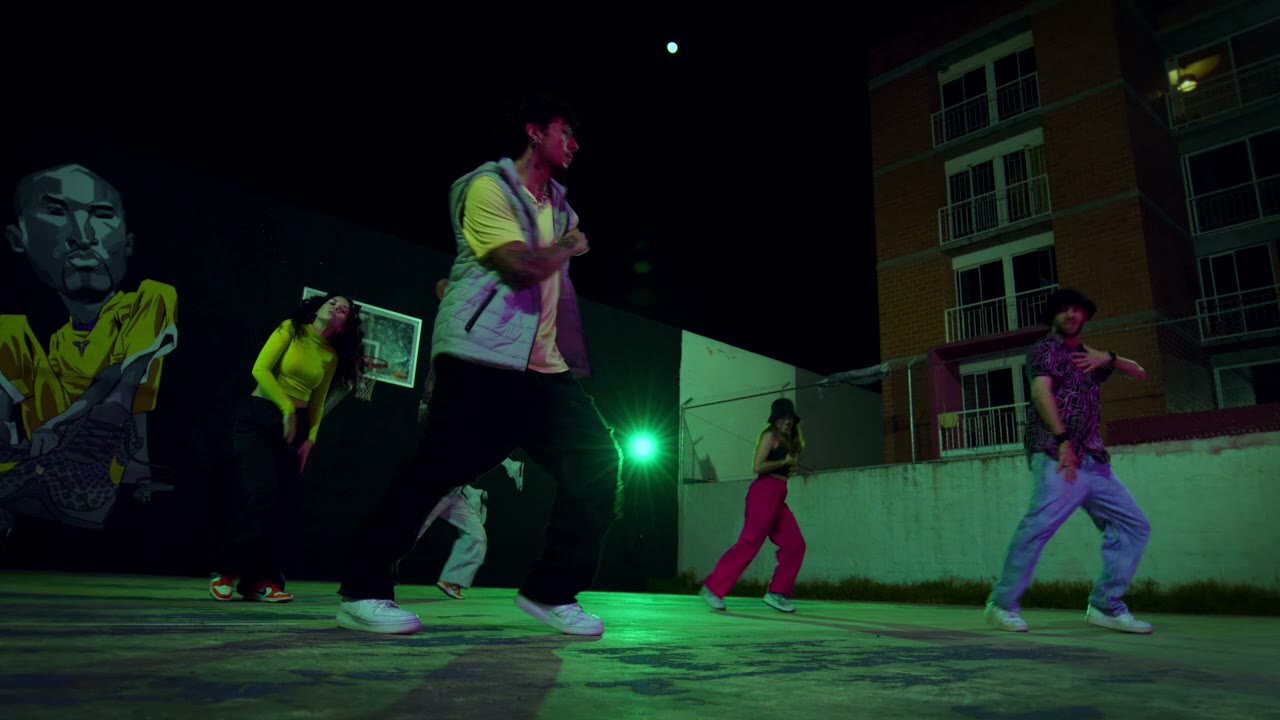
- Rooftop cypher. One lead, a circle of silhouettes, sodium light on wet concrete. Enough world-building without asking for individual crowd faces.
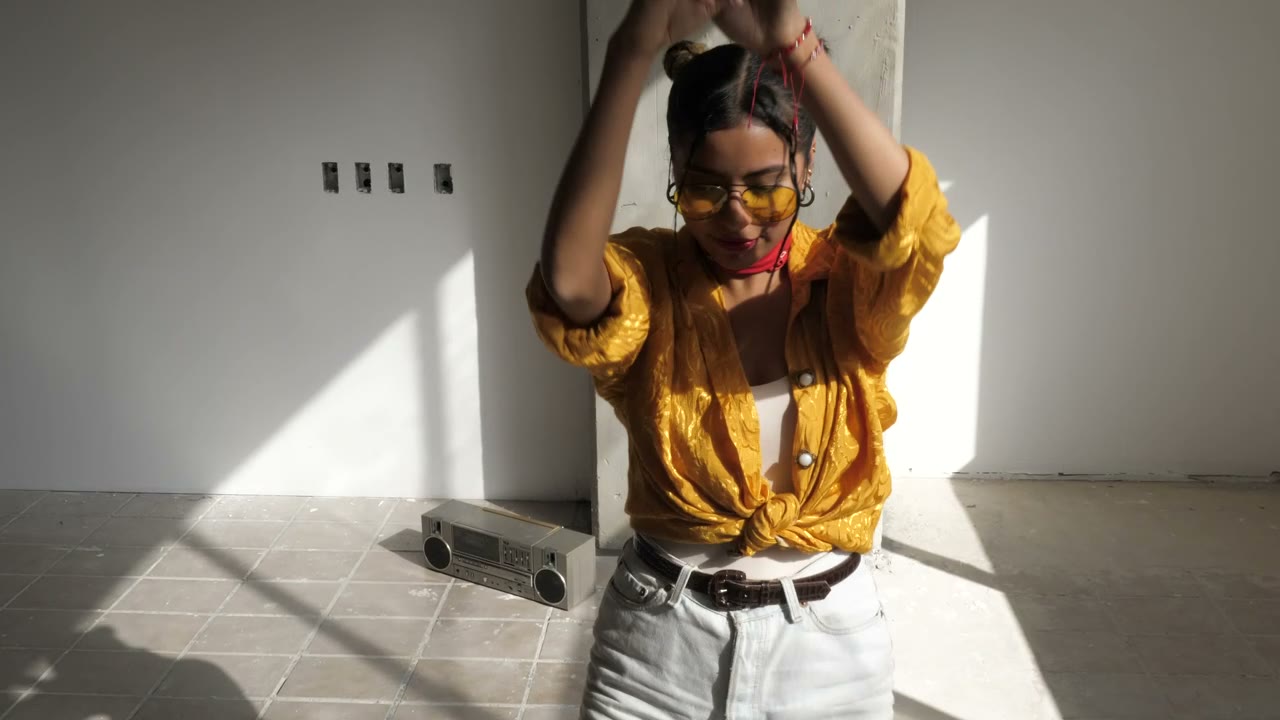
- Retro sidewalk. Two performers, a boombox, warm film grain. The period detail is limited to objects the model can hold: brick, clothing, a boombox.
Each one keeps the number of moving parts low. That is the design principle: fewer objects, fewer identities, one camera move.
Prompting for the model, not against it
Write the shot in the order the model weights it: subject, place, light, camera, constraints. Put the identity instruction early and repeat it at the end. Use plain physical language — "warm tungsten key from the left", "slow dolly-in", "chest height" — rather than aesthetic labels.
Avoid negative-only prompts. "No blur, no distortion" does not tell the model what to render. Say what is there, then say what must not appear. The presets do both.
Keep the clip short when you are testing. A five-second render at 720p is the cheapest way to learn whether a photo and a scene work together. Once the identity holds, re-render the winner longer and at a higher resolution.
Likeness: what to expect
The model uses your photo as a reference, not a scan. A sharp, front-facing portrait produces a strong likeness. A soft photo, a covered face or a heavy filter produces drift, and no amount of prompt text fixes a source image that has already lost the information.
The most reliable improvement is a better photo: even light, eyes visible, hairline visible, neutral expression. The second most reliable is a slower camera move. The third is a simpler scene. Prompt wording is fourth.
Cost and length in practice
The studio prices by resolution and length, and shows the cost before the task is submitted. A standard 720p twelve-second clip is the reference unit on the pricing page. Shorter clips cost less; 1080p costs more. There is no free tier, so the preview and the price are part of the same decision.
Most clips finish in a couple of minutes. A 1080p render can take longer. You can leave the page and return; the task is stored against your account.
What the presets encode
Each studio preset is a full prompt, not a filter. Duo Stage encodes two performers, a club, haze, magenta practicals and a handheld push-in. Solo Booth encodes one performer, a microphone, warm key and cold rim, and a slow dolly. Night Cypher encodes one lead, a circle of silhouettes and sodium light on wet concrete. Retro VHS encodes two performers, a boombox, warm grain and a slight halation.
Read them as worked examples. The structure is consistent: subject, place, light, camera, constraints. Once you see that pattern, you can write a fifth preset without guessing which words the model responds to.
The prompts also show what the model is not asked to do. None of them ask for a cut, a lyric, a logo or a lip-synced close-up. Those omissions are deliberate, and they are why the presets render reliably.
When to use a different tool
If you need a lip-synced performance to a finished vocal, this is the wrong tool. If you need a ten-minute visualizer, generate a loop and repeat it in an editor. If you need a real product, a real venue or a real crowd, shoot it. Seedance is strongest when the world can be invented and the performer is the one real thing in the frame.
For the workflow around the model, read how to make an AI rap video. For prompts, use the 12-prompt library.
Related guides
How to Make an AI Rap Video From One Photo (2026 Guide)
The exact workflow for turning one portrait into a rap performance clip: choose the photo, pick a scene, write one action, render, review and export.
AI Rap Duo Video Guide: Two Faces, One Scene
How to generate a convincing rap duo video from two photos: matching light, blocking, who leads, how to avoid face swaps and how to cut the result.
12 AI Rap Video Prompts That Actually Work
Twelve copy-paste prompts for rap performance clips: club stage, booth, cypher, retro sidewalk, drill rooftop, lyric bed and more, with the guardrails that keep faces stable.