How to Make an AI Rap Video From One Photo (2026 Guide)
 AI Rap Video Team
The exact workflow for turning one portrait into a rap performance clip: choose the photo, pick a scene, write one action, render, review and export.
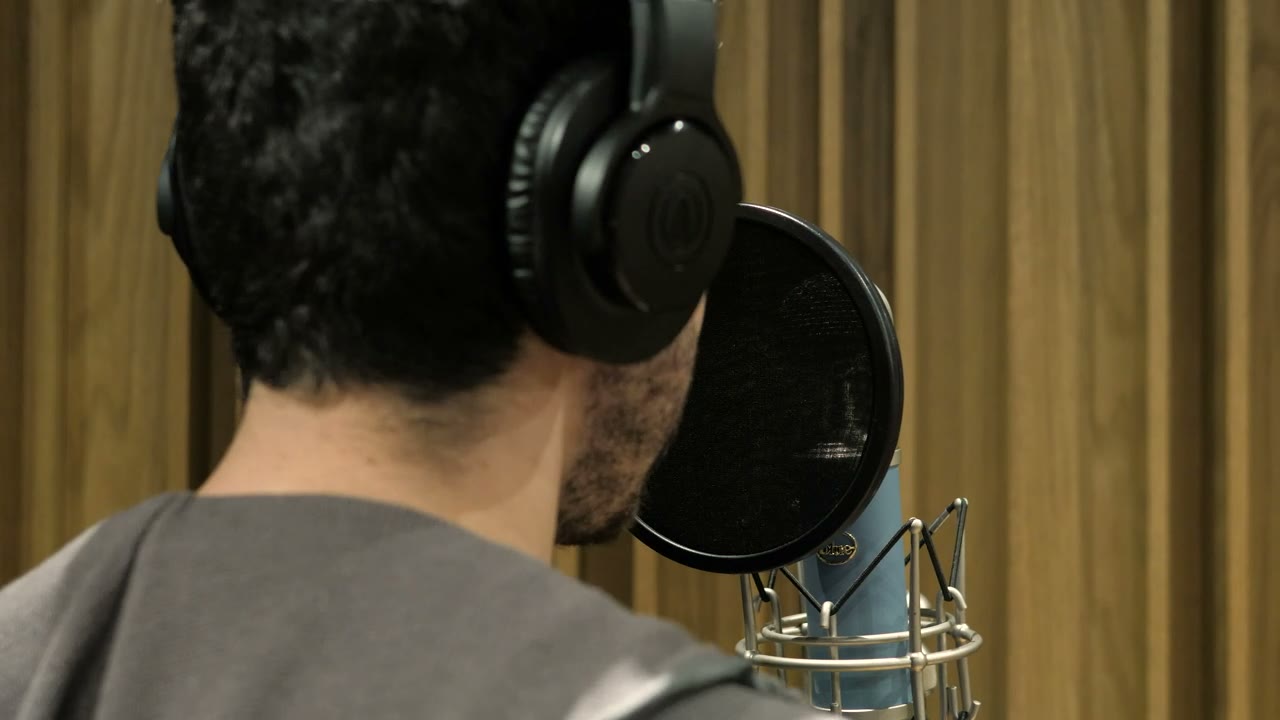
Making an AI rap video takes one clear photo, one performance action and one camera move. Everything else — the stage, the haze, the crowd, the light — is generated around the performer you uploaded. The workflow below is the one the studio actually expects, in order, with the failure modes that account for most bad renders.
Example loaded — edit it or generate.
This clip: 35 credits · 10 clips a month for $39.90 (Pro), or 102 a year for $319
Step 1: choose the photo before you write anything
The photo sets the identity the model is allowed to animate. A useful input has four properties:
- The whole face is visible. No sunglasses, no hair across the eyes, no hand on the chin.
- The light is even. A window on one side is fine; a hard shadow across half the face is not.
- The resolution is honest. A sharp phone photo beats a soft DSLR photo that has been compressed by a chat app.
- The expression is neutral or performing. A neutral face animates into performance more cleanly than a forced smile.
A waist-up portrait gives the model more information about the outfit and shoulders, which helps when the camera moves. A headshot is enough for a booth close-up. Group photos are the wrong input for a solo clip: the model has to decide which face belongs to the performer, and it often decides badly.
Step 2: pick a scene you can describe in one sentence
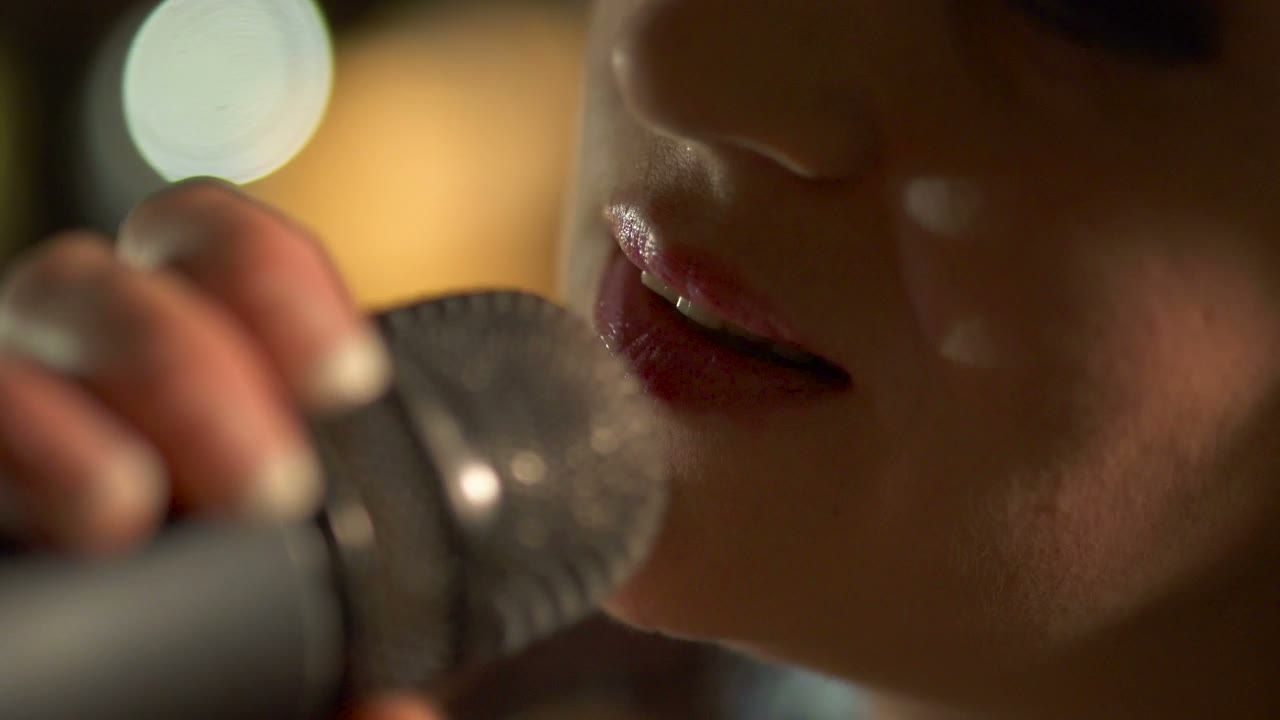
The studio ships four presets, and each one is a complete scene rather than a style tag. Duo Stage is a club two-shot. Solo Booth is an intimate close-up. Night Cypher is a rooftop circle. Retro VHS is a sunlit 1990s sidewalk.
Choose the one that matches the record, not the one that looks most impressive. A drill verse usually wants the cold, wide cypher; a reflective boom-bap record usually wants the warm booth or the retro sidewalk. If you cannot say why the scene fits the song in one sentence, the scene is decoration.
You can also write your own prompt. Keep the same order the presets use: subject first, then place, then light, then camera, then constraints. The opening words carry the most weight.
Step 3: write one action, not a shot list
A five-to-twelve-second render can hold one performance beat. Good beats are physical and specific:
- leaning into a condenser microphone and performing to camera;
- stepping into the centre of a cypher circle and turning to face the lens;
- trading a line with a second performer and reacting to their verse;
- walking toward the camera while gesturing to a crowd.
Bad beats are abstractions: "look cool", "go crazy", "make it cinematic". They give the model nothing to animate. They also tend to produce a performer who stands still while the camera does all the work, which reads as a failed render even when the face is stable.
Keep the hands occupied. A microphone, a pocket, a gesture or a raised palm is easier to render than fingers hanging at the side. Close-ups of hands are the single most reliable way to break a clip.
Step 4: set length, resolution and aspect ratio
Length changes both cost and coherence. A five-second clip has fewer frames in which the face can drift; a twelve-second clip gives the performance room to breathe. For a first attempt, eight seconds is the best compromise.
Resolution is a detail decision, not a quality rescue. A soft face at 1080p is still a soft face. Fix the photo and the motion before paying for more pixels. Start at 720p, confirm the identity holds, then re-render the winner at 1080p if the placement needs it.
Aspect ratio is a distribution decision. Use 9:16 for TikTok, Reels and Shorts, 16:9 for YouTube, a website hero or a client deck, and 1:1 only when a feed placement demands it. Do not render wide and crop vertical: the performer ends up small in the middle of the frame.
Step 5: generate, then watch it twice
The task runs in the background. When it finishes, watch the clip twice. On the first pass, judge the story: does the performer actually perform, and does the camera move make sense? On the second pass, inspect identity: face shape, hairline, skin tone, outfit, number of hands.
If the story is right and a detail drifts, change one variable. The usual fix order is camera move, then action, then scene. Rewriting the entire prompt after every render hides which change helped and wastes credits.
Step 6: download, add the track, label the clip
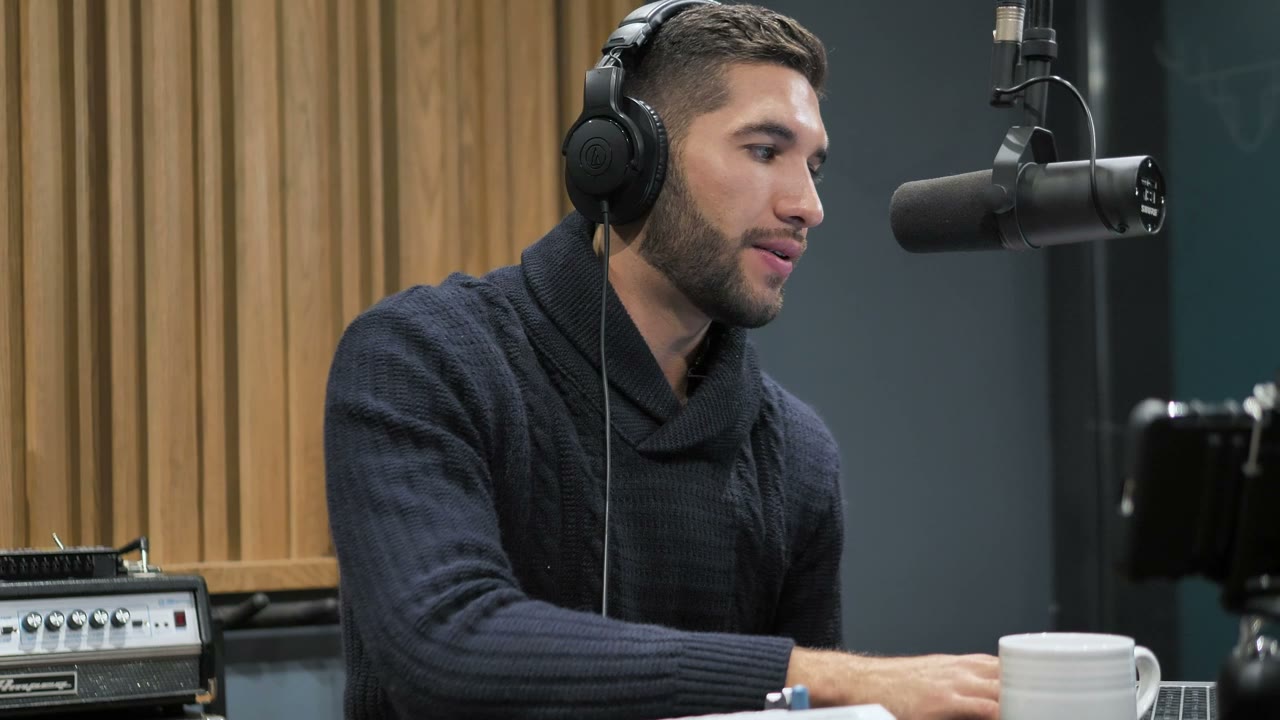
Paid renders download as a clean MP4 with no watermark. Add the song, captions and cuts in your editor. The studio does not generate audio and does not lip-sync to a vocal stem, so the clip is a silent visual until you put a track under it.
Label the result as AI-generated when the audience could mistake it for footage of a real performance. The face may be real; the stage is not. Platforms increasingly require that disclosure for realistic synthetic media, and it costs you nothing to be early with it.
What it costs
The studio prices each render in credits by resolution and length, and the exact cost is shown before you press Generate. One-time packs start at $9.90 for one standard video, and monthly plans start at $9.90. There are no free credits, which is why the preview and the cost are visible before any task is submitted — you should never learn the price after the render.
The five failure modes
| Symptom | Likely cause | Fix | | ---------------------- | --------------------------------------- | ---------------------------------------- | | Face changes halfway | Soft photo, fast camera, covered eyes | Sharper portrait, slower move | | Extra hands or fingers | Hands free in frame | Put a microphone or pocket in them | | Outfit changes colour | Busy palette, fast motion | Simplify the scene, slow down | | Third person appears | Crowd in the background | Ask for silhouettes only, or empty space | | Render refused | Real person, violence or unsafe wording | Remove the reference and retry |
What to read next
If you want prompts you can paste, start with the AI rap video prompt library. If two performers are the point, the rap duo video guide covers blocking and identity. For a broader look at the model behind the studio, read Seedance 2 rap videos.
Related guides
AI Rap Duo Video Guide: Two Faces, One Scene
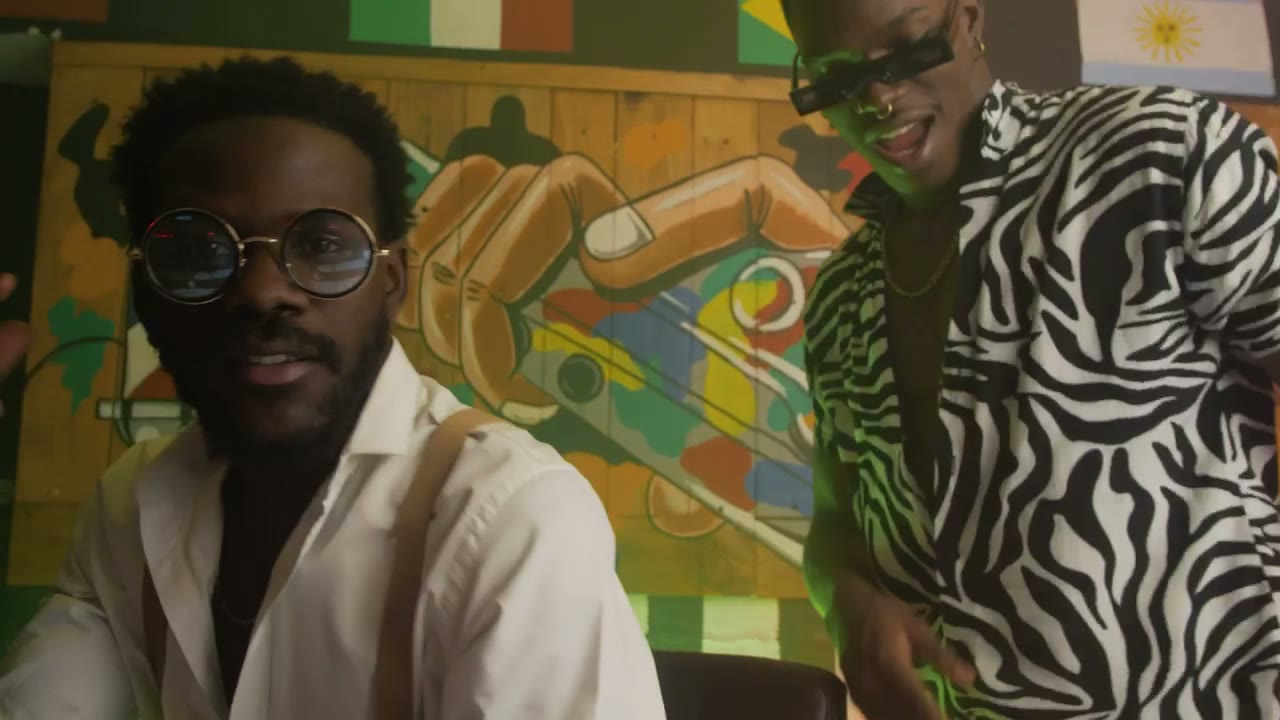
How to generate a convincing rap duo video from two photos: matching light, blocking, who leads, how to avoid face swaps and how to cut the result.
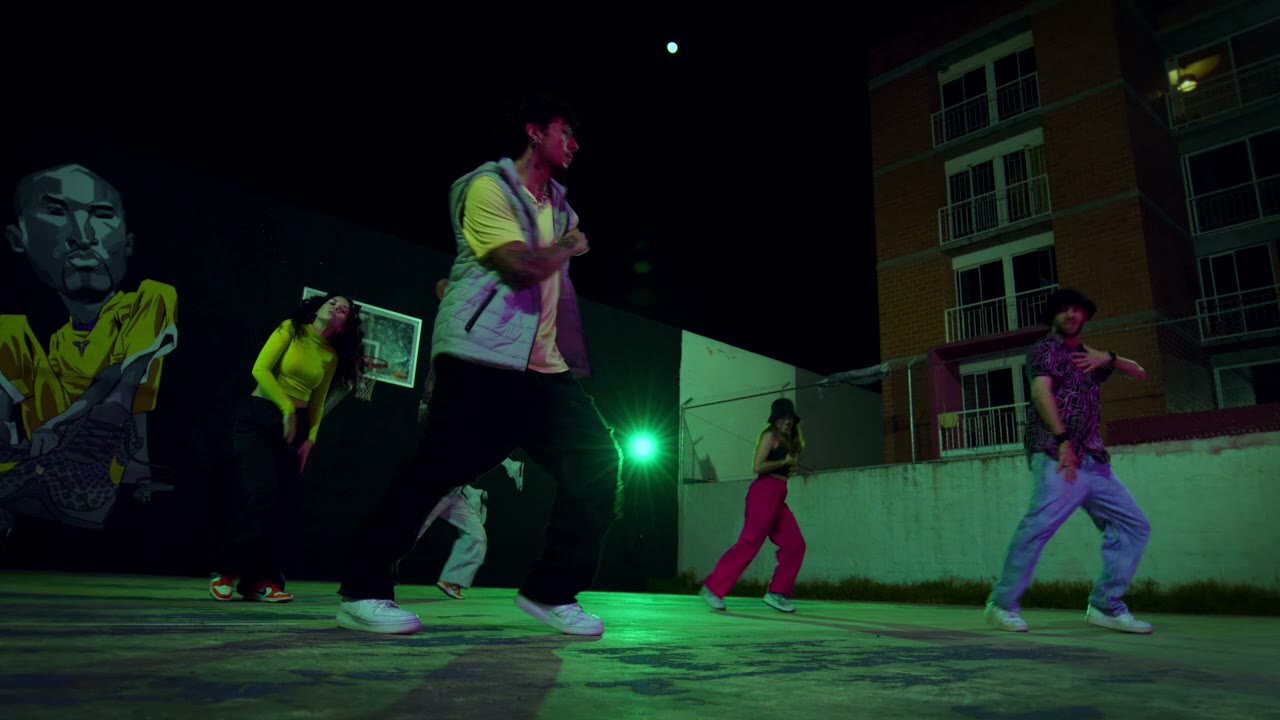
12 AI Rap Video Prompts That Actually Work
Twelve copy-paste prompts for rap performance clips: club stage, booth, cypher, retro sidewalk, drill rooftop, lyric bed and more, with the guardrails that keep faces stable.
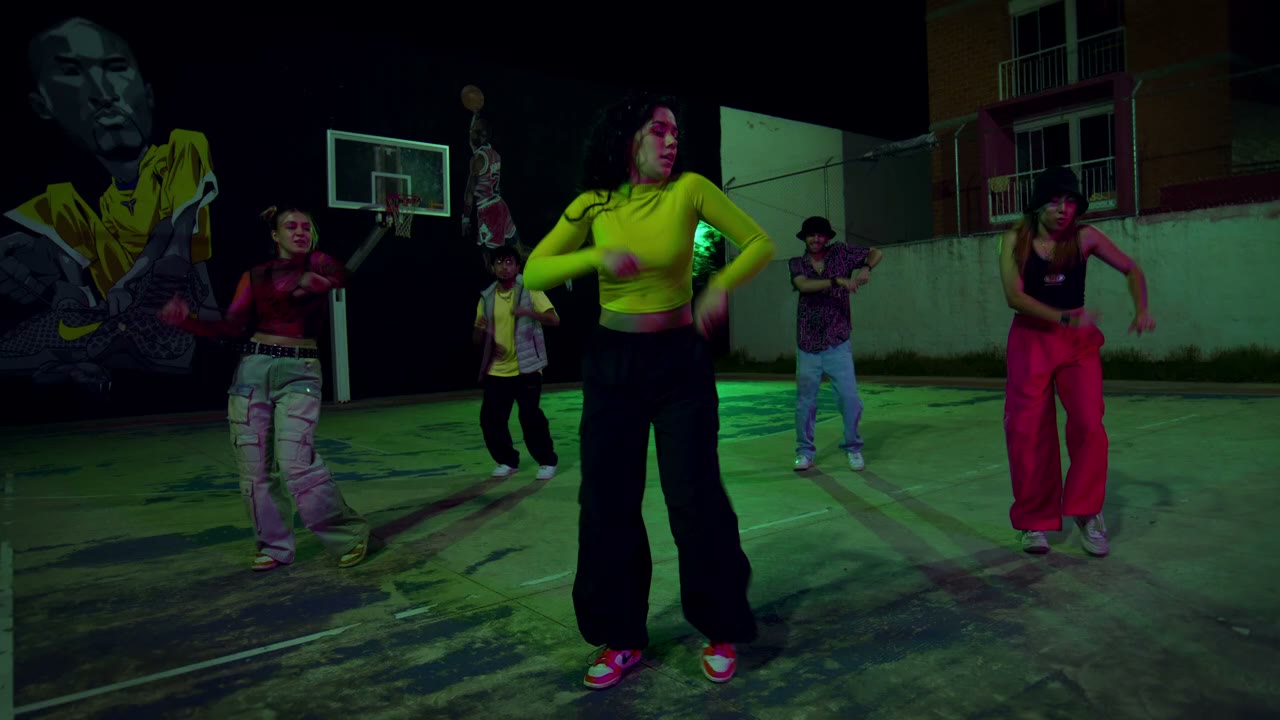
Seedance 2.0 for Rap Videos: What It Does Well
A practical look at Seedance 2.0 for rap performance clips: motion, likeness, lighting, text and the shot types it handles best, with honest limits.