AI Music Video vs Lip Sync: Which One Do You Need?
 AI Rap Video Team
AI performance clips and lip-sync tools solve different problems. A clear comparison of what each produces, what it costs, and how to combine them.
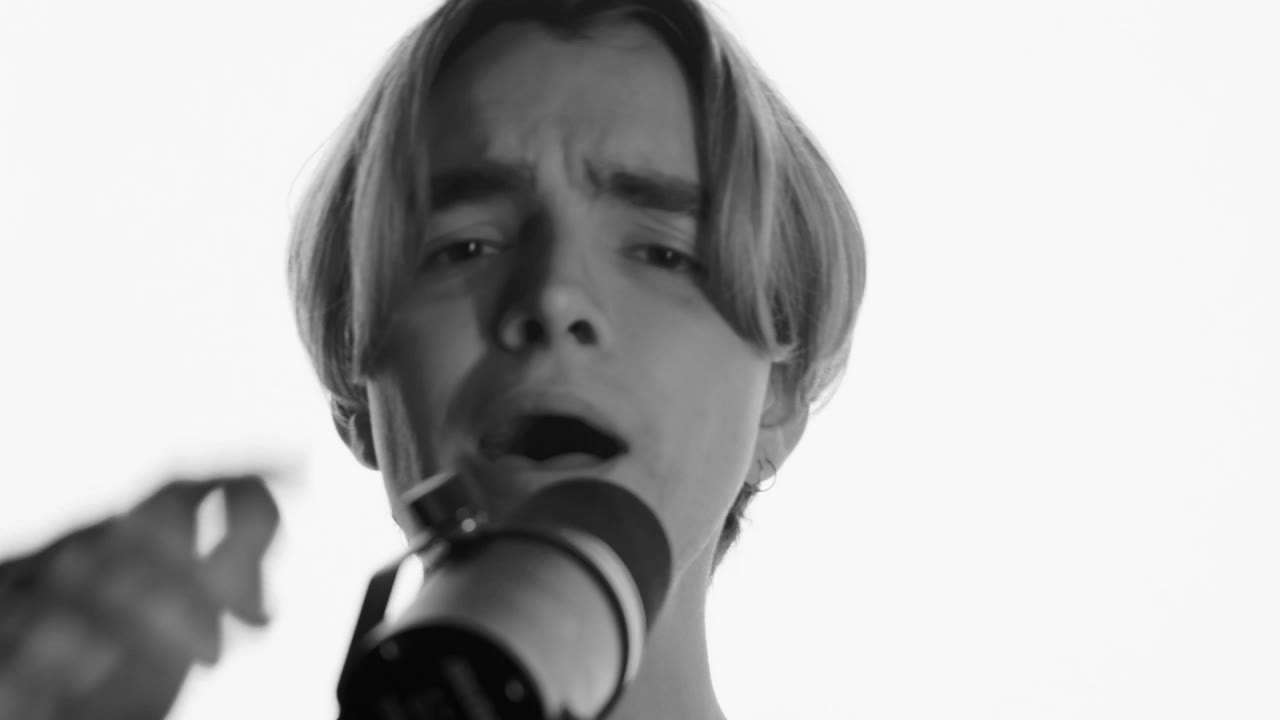
Two different tools get called "AI music video" and they are not interchangeable. One generates a performance in a scene: the performer moves, the camera moves, the world is invented. The other takes an existing video of a person and re-times their mouth to a vocal. They solve different problems, and choosing the wrong one wastes money.
This page explains the difference, what each is good for, and how to combine them when a project needs both.
What a performance generator does
A performance generator like this studio takes one or more photos and a shot description, and renders a short clip of those people performing in a generated scene. You get a stage, a rooftop, a booth or a sidewalk; you get camera movement and atmosphere; you get a performance that reads as a music video shot.
What you do not get is sync. The model never hears your vocal stem. The mouth moves in a way that looks like performance, but it is not articulating your words. At normal editing pace, with a track over the top, this reads fine. In a close-up where the viewer watches the mouth for four seconds, it does not.
What a lip-sync tool does
A lip-sync tool takes a source video and an audio file and warps the mouth region so the lips match the phonemes. Some tools also animate a still portrait to speak. The output is a talking or singing head that matches the track.
What you get is sync. What you usually do not get is a scene: most lip-sync output is a head in a frame, often with limited head movement, because large motion breaks the warp. The background is whatever was in the source video, or nothing.
The comparison
| Dimension | Performance generator | Lip-sync tool | | -------------------- | --------------------------- | ------------------------------------- | | Input | One or two photos + prompt | Video or portrait + audio | | Output | 5–12s cinematic performance | Talking/singing head, length of audio | | Mouth accuracy | Approximate | Close to the vocal | | Scene and camera | Generated, directable | Fixed or minimal | | Identity consistency | Good with a sharp photo | Strong, follows the source | | Best for | B-roll, atmosphere, teasers | Close-ups, dialogue, direct address | | Weak at | Lip detail, long takes | Movement, scene changes, hands |
Neither is a full music video. A finished video is an edit: performance shots for the world and the energy, synced shots for the moments where the mouth has to be right.
When to use the performance generator alone
- A teaser where the track plays over a performance and the mouth is never the focus.
- B-roll between synced shots.
- A lyric visual where the words are on screen and the performer is atmosphere.
- A concept video for a beat with no vocal, where sync is irrelevant.
- A press visual or cover shoot replacement, where you need one striking frame in motion.
This is the majority of social rap content. Most viewers are watching a performance, not studying articulation.
When to use a lip-sync tool alone
- A direct-to-camera verse where the mouth is the subject.
- A skit or a spoken intro.
- A reaction or a testimonial.
- A character piece where the face must say specific words.
If the entire creative idea is "the artist says this line to camera", a lip-sync tool is the honest choice. Generate a clean portrait or a simple performance plate, then sync it.
When to combine them
The strongest short-form rap videos usually alternate:
- Open on a synced close-up for the first line, so the viewer believes the performance.
- Cut to a generated wide or tracking shot for the energy of the verse.
- Return to a synced shot for the punchline.
- End on a generated hero frame with the track still playing.
The synced shot establishes that the person can perform; the generated shots establish the world. Each covers the other's weakness.
The practical constraint is continuity. Match wardrobe, light direction and colour between the two sources, or the cut reads as two different videos. Generate the performance plates first, then shoot or generate the synced plates to match them, not the other way around.
What this studio does and does not do
This studio generates performance clips from photos. It does not accept an audio file, does not lip-sync, and does not claim to. The four presets are built for performance coverage: stage, booth, cypher and retro sidewalk. If your script needs accurate mouth movement, use this studio for the B-roll and a dedicated lip-sync tool for the close-ups.
Being clear about that is better than selling a clip that disappoints at the exact moment the viewer looks at the mouth.
Cost comparison in practice
A performance render costs credits by resolution and length, and a failed task refunds. A lip-sync pass is usually priced per minute of audio or per compute second on the tool's own plan. For a one-minute video with four synced close-ups and ten seconds of B-roll, the lip-sync line is often the larger one, because it runs over the full track.
The cheapest workflow is usually: generate performance coverage short and at 720p, sync only the close-ups that need it, and cut the rest to the track. Do not sync a shot you are going to cover with a cut two seconds later.
How to decide in thirty seconds
Ask one question: does the viewer need to see the mouth say these words?
- If yes, sync that shot.
- If no, generate the performance.
- If the answer changes within the clip, use both and cut between them.
Everything else — the scene, the camera, the budget — follows from that answer.
A note on audio and rhythm
Both workflows depend on a finished vocal, and neither fixes a bad one. Sync a rough take and you have synced a rough take. Render a performance against a beat that has no vocal and the mouth has nothing to follow, which is fine for B-roll and wrong for a close-up.
Export the vocal as a clean mono or stereo file before either tool. Keep the beat and the vocal on separate tracks in the edit so you can nudge the visual against the vocal without moving the music. If the sync drifts by a few frames across a long take, cut away rather than stretch: a cut is invisible, a warped mouth is not.
For the performance workflow, read how to make an AI rap video. For vertical-specific planning, see vertical rap videos for TikTok and Reels.
Related guides
How to Make an AI Rap Video From One Photo (2026 Guide)
The exact workflow for turning one portrait into a rap performance clip: choose the photo, pick a scene, write one action, render, review and export.
AI Rap Duo Video Guide: Two Faces, One Scene
How to generate a convincing rap duo video from two photos: matching light, blocking, who leads, how to avoid face swaps and how to cut the result.
Hotel Lobby AI Trend: The Orange Booth Clip, Explained
Why the Hotel Lobby AI trend took over feeds, where the orange booth format comes from, and how to build your own two-photo clip without borrowing someone else’s face.