Performance visuals for any genre

AI Music Video Generator

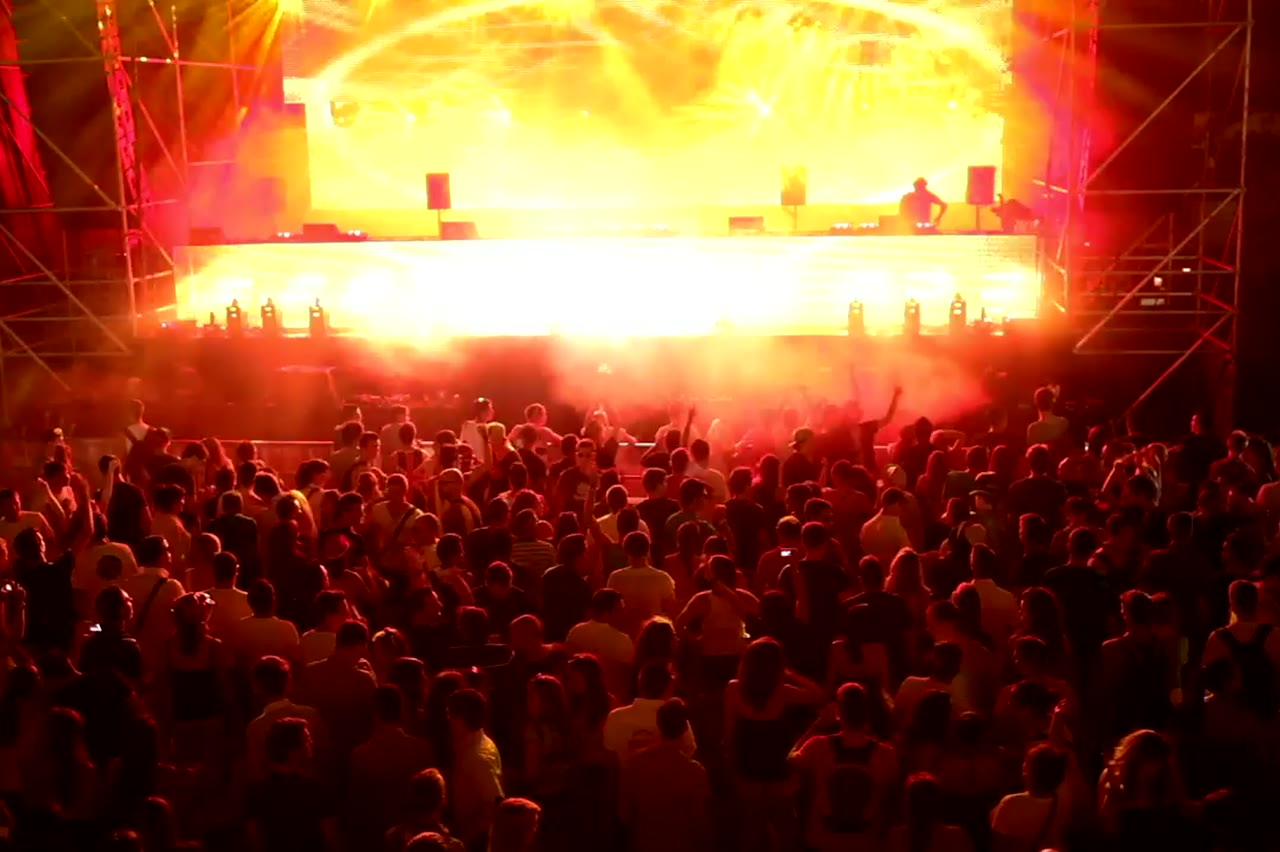
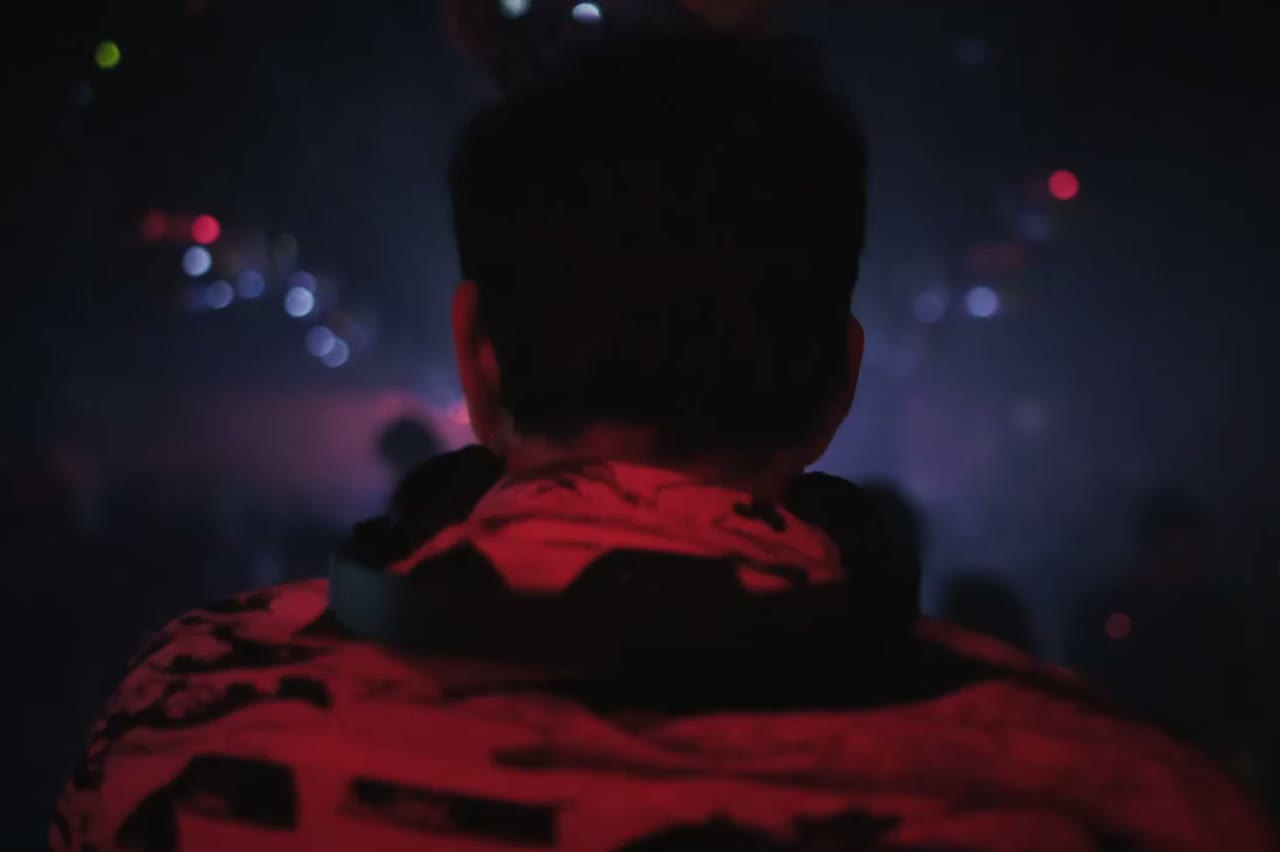
A music video is usually a performance plus a world. The performance carries the artist; the world carries the song's mood. This generator builds one short shot at a time, with enough atmosphere that the clip can stand alone or be cut against other scenes.

It works for rap, drill, R&B and any genre where a performer in a strong location is the core image. It does not generate the song, sync lips to a vocal or assemble the final edit. Those remain your job, and the result is better for it.

Clips on this page are AI-generated previews. They are fictional and not a record of a real event.

Updated 24 October 2026

A singer performing under a single blue stage light, AI music video still
Length
5–12 seconds
Resolution
480p · 720p · 1080p
Aspect ratio
9:16 · 16:9 · 1:1
Watermark
None on paid renders
Model
Seedance 2.0
Moderation
SeeAPI, fail-closed

Atmosphere you can direct

Location, light, era and film look are part of the prompt. You are choosing a world, not applying a filter to stock footage.

Clips that cut together

Keep the performer, palette and lens language fixed across renders, and the separate shots feel like scenes from the same video.

No music required to start

Generate visuals before the track is finished. A mood clip is a useful reference for the producer as well as the artist.

How it works

  1. 1

    Choose the world of the song

    Warm and nostalgic, cold and modern, or hazy and nocturnal. Pick the palette before the location.

  2. 2

    Place the performer

    Upload a portrait for likeness or describe the performer. Give them one action that fits the tempo.

  3. 3

    Generate two or three scenes

    Same performer, different locations and camera distances. This is the raw material for a cut.

  4. 4

    Edit to the track

    Cut on bar lines, add the audio and colour-match the clips. The edit is where separate renders become a music video.

Start from a tested prompt

Each prompt is complete: subject, scene, camera and what must not change. Copy it or open the studio with it pre-filled.

A wide rooftop performance at night with city lights behind, AI music video scene

Night Cypher

A rooftop cypher circle under sodium lights.

Prompt (English)

Use the person in the uploaded photo as the lead performer. An empty rooftop car park at night, wet concrete reflecting orange sodium lights, a loose circle of six silhouetted figures clapping. The rapper walks into the centre of the circle and performs, turning slowly to face the camera. One continuous low-angle tracking shot that circles the performer at knee height, ending on a medium close-up. Keep the face, hair, outfit and body proportions exactly as photographed. No fighting, no extra foreground people, no text, no watermark, no logo. Vertical 9:16.

Use in studio

Duo Stage

Two rappers trade verses on a small club stage.

Prompt (English)

Use the two people in the uploaded photos as the only performers. A small club stage at night, purple and magenta lights cutting through haze, a packed crowd in silhouette at the front. The two rappers stand side by side trading verses, one gesturing to the crowd while the other nods to the beat. One continuous handheld shot at chest height that pushes in from the back of the stage to a tight two-shot, then drifts slightly right. Keep the faces, hair, outfits, skin tone and body proportions exactly as photographed. No lip-sync mismatch, no extra people, no text, no watermark, no logo. Vertical 9:16.

Use in studio

Solo Booth

A close, intimate booth performance to camera.

Prompt (English)

Use the person in the uploaded photo as the only performer. A narrow recording booth at night, a large-diaphragm condenser microphone on a shock mount, warm tungsten key light from the left and a cold blue rim light from behind. The rapper leans into the mic and performs directly to camera, shoulders moving with the beat. One slow dolly-in from a medium shot to a close-up, shallow depth of field, slight handheld float. Keep the face, hair, outfit and skin tone exactly as photographed. No headphones swapping, no extra people, no text, no watermark, no logo. Vertical 9:16.

Use in studio

Performance scene versus narrative scene

A performance scene shows the artist delivering the song. A narrative scene shows something happening around it: a drive, a argument, a party. This tool is strongest at performance scenes because it can hold a single face and a single location for a short clip.

Narrative can still work in miniature. A performer walking into a cypher, stepping out of a car or entering a room is a small story beat. Keep it to one beat per clip and let the edit imply the rest.

Building a visual identity across clips

Choose two constants and vary everything else. For example: always a warm sodium light, always a 35mm-style frame, but change the location from a rooftop to a basement to a street. The constants make the clips feel authored; the variation keeps them interesting.

Write the constants into every prompt in the same words. Small wording changes produce visible shifts in colour and lens feel, which makes the final edit look like a compilation rather than a video.

When to stop generating and start editing

Three good clips are enough for a 30-second teaser. Six to eight can carry a full track with cutaways. More than that usually means you are avoiding the edit, not improving the material.

Judge each clip in the timeline, not in the studio preview. A shot that looks flat alone can be exactly what a cut needs, and a flashy shot can be unusable once the track is underneath it.

Questions people ask

Can I generate a whole music video in one click?

No. Each render is one short shot. A full video is several clips edited to the track.

Does it work for genres other than rap?

Yes. The presets are rap-oriented, but the prompt box can describe a rock, pop, R&B or electronic performance.

Can I upload my song and get lip-sync?

No. The studio does not accept audio and does not lip-sync. Cut the clip to your track in an editor.

How many clips do I need for a three-minute video?

Typically 15 to 30 cuts, built from six to ten generated shots. Reuse angles rather than generating every cut.

Can I use the clips on YouTube and streaming platforms?

Yes, subject to the model provider's terms and your rights to the performer's likeness and the music.

What resolution should I render?

1080p for a final master, 720p for drafts and social tests. Resolution does not fix a weak performance or a drifting face.

Can I colour grade the output?

Yes. Export the MP4 and grade it in your editor. Keep a consistent grade across clips so the cuts feel like one video.

Turn your photo into a clip

Start with the preset on this page, or write your own shot. Credits are shown before you generate, and failed renders are refunded.