16:9 · 1080p · Loopable

AI Rap Video for YouTube

YouTube gives a rap video room that a vertical feed does not: a wide frame, a longer attention span and a thumbnail that has to work as a still. The same generated performance can serve a music video, a visualizer or a podcast segment, but it has to be composed for a landscape screen.

The studio exports 16:9 at up to 1080p. For a visualizer, generate a slow, loopable shot and let the track carry the length. For a music video, generate several scenes and cut them on the beat.

Clips on this page are AI-generated previews. They are fictional and not a record of a real event.

Updated 24 October 2026

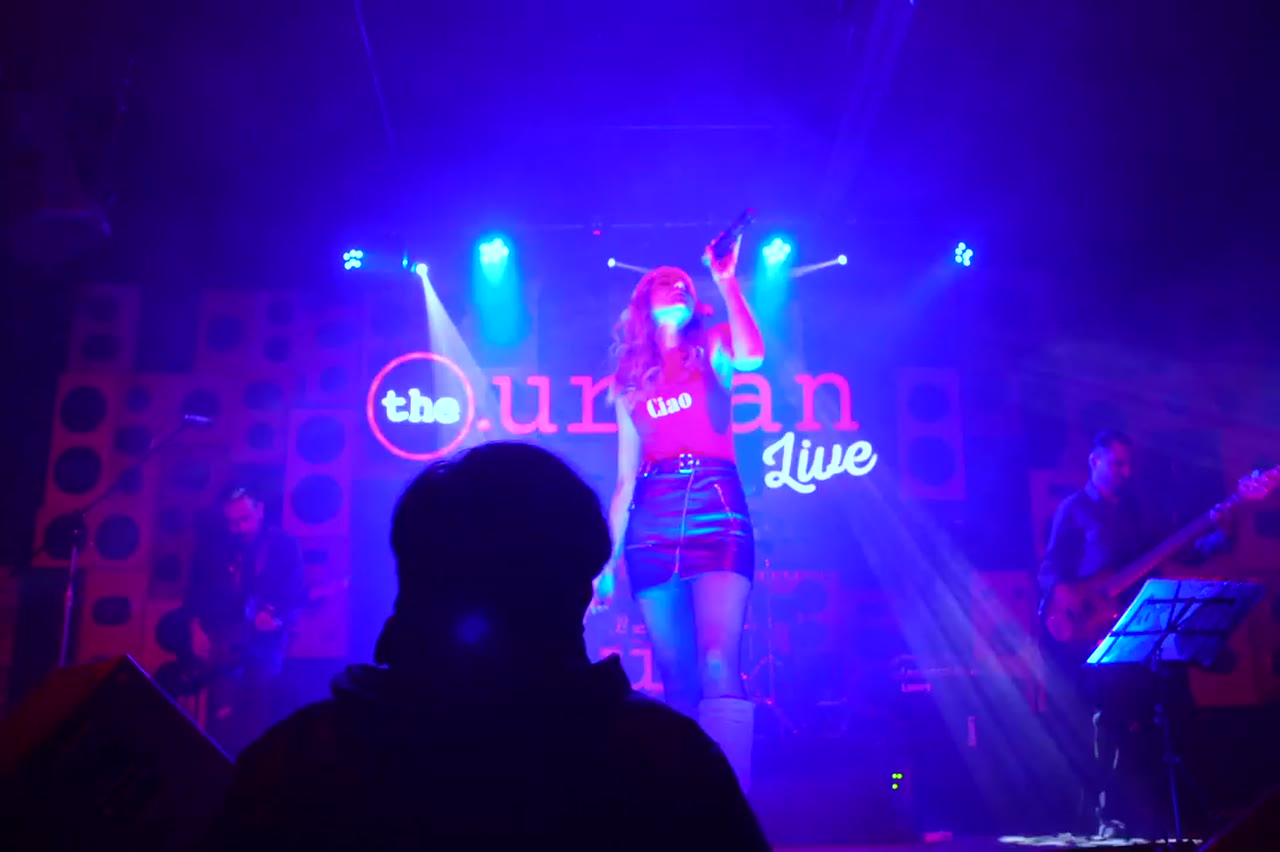
A wide cinematic shot of a rapper on a dark stage, framed for YouTube
Length
5–12 seconds
Resolution
480p · 720p · 1080p
Aspect ratio
9:16 · 16:9 · 1:1
Watermark
None on paid renders
Model
Seedance 2.0
Moderation
SeeAPI, fail-closed

A frame with depth

16:9 gives the location room to breathe. Stages, rooftops and streets read as places rather than backdrops behind a cropped face.

A still that works as a thumbnail

Every render produces a poster frame. Choose one with a clear face, strong contrast and space for a title.

Loop-friendly motion

A slow push-in or a locked-off performance cuts back to its first frame more gracefully than a fast orbit, which makes it usable for a visualizer.

How it works

  1. 1

    Choose a wide scene

    A stage, rooftop or street with depth. Avoid compositions that only work when cropped to a vertical.

  2. 2

    Render at 1080p

    Use 1080p for the master and 720p for drafts. The wider frame shows more detail, so resolution matters more than it does on a phone.

  3. 3

    Pick a poster frame

    Scrub to a moment where the performer is lit and the background is not busy. Export it as a thumbnail candidate.

  4. 4

    Edit for length

    A visualizer can loop one clip; a music video needs cuts. Build the cut in your editor and keep the generated clips as the source.

Start from a tested prompt

Each prompt is complete: subject, scene, camera and what must not change. Copy it or open the studio with it pre-filled.

A landscape rooftop performance with city skyline, AI rap video for YouTube

Duo Stage

Two rappers trade verses on a small club stage.

Prompt (English)

Use the two people in the uploaded photos as the only performers. A small club stage at night, purple and magenta lights cutting through haze, a packed crowd in silhouette at the front. The two rappers stand side by side trading verses, one gesturing to the crowd while the other nods to the beat. One continuous handheld shot at chest height that pushes in from the back of the stage to a tight two-shot, then drifts slightly right. Keep the faces, hair, outfits, skin tone and body proportions exactly as photographed. No lip-sync mismatch, no extra people, no text, no watermark, no logo. Vertical 9:16.

Use in studio

Night Cypher

A rooftop cypher circle under sodium lights.

Prompt (English)

Use the person in the uploaded photo as the lead performer. An empty rooftop car park at night, wet concrete reflecting orange sodium lights, a loose circle of six silhouetted figures clapping. The rapper walks into the centre of the circle and performs, turning slowly to face the camera. One continuous low-angle tracking shot that circles the performer at knee height, ending on a medium close-up. Keep the face, hair, outfit and body proportions exactly as photographed. No fighting, no extra foreground people, no text, no watermark, no logo. Vertical 9:16.

Use in studio

Solo Booth

A close, intimate booth performance to camera.

Prompt (English)

Use the person in the uploaded photo as the only performer. A narrow recording booth at night, a large-diaphragm condenser microphone on a shock mount, warm tungsten key light from the left and a cold blue rim light from behind. The rapper leans into the mic and performs directly to camera, shoulders moving with the beat. One slow dolly-in from a medium shot to a close-up, shallow depth of field, slight handheld float. Keep the face, hair, outfit and skin tone exactly as photographed. No headphones swapping, no extra people, no text, no watermark, no logo. Vertical 9:16.

Use in studio

Visualizer or music video

A visualizer is one continuous visual under the whole track. It rewards slow motion, strong colour and a loop point that does not call attention to itself. A music video rewards variation: different locations, distances and energy levels cut to the song.

Both can start from the same renders. Generate a wide master and two close variations, then decide in the edit whether the track needs one world or several. This is cheaper than generating a new scene for every idea.

Designing a loop that does not jar

The first and last frames should be visually similar: same framing, same light, similar subject position. A slow push-in that ends close will jump when it returns to the wide. A locked-off shot or a slow lateral drift loops more naturally.

Trim the clip so the motion ends where it began, even if that means cutting a second of usable footage. A clean loop is more valuable than a slightly longer clip with a visible reset.

Thumbnails and titles are separate work

The model should not render your title. Generate a clean frame and add the text in an image editor where you control the font, the spelling and the contrast. A generated title is the fastest way to make a professional clip look amateur.

Choose a frame with negative space on one side. A face on the left and a dark wall on the right gives the title somewhere to live without covering the artist.

Questions people ask

What resolution should I use for YouTube?

1080p for the master. YouTube accepts 720p, but a wide frame benefits from the extra detail.

Can I make a one-hour visualizer?

Not in one render. Generate a loopable clip and repeat it in an editor with slow variation to avoid a visible seam.

Does the tool generate a thumbnail?

It produces a poster frame you can export. Add the title and graphics in an image editor.

Can I use the clip as a YouTube Short?

Yes, but render a separate 9:16 version. Cropping a 16:9 clip to vertical usually cuts the performer.

Will YouTube flag AI-generated content?

YouTube requires disclosure for realistic synthetic media. Use the platform's altered-content setting where it applies.

Can I monetise a video made with this tool?

Monetisation depends on YouTube's rules, your rights to the music and the model provider's terms. The tool does not grant music rights.

How many scenes does a three-minute video need?

Six to ten generated shots, cut into 15 to 30 edits. Generate wide, medium and close variations rather than a new world for every cut.

Turn your photo into a clip

Start with the preset on this page, or write your own shot. Credits are shown before you generate, and failed renders are refunded.