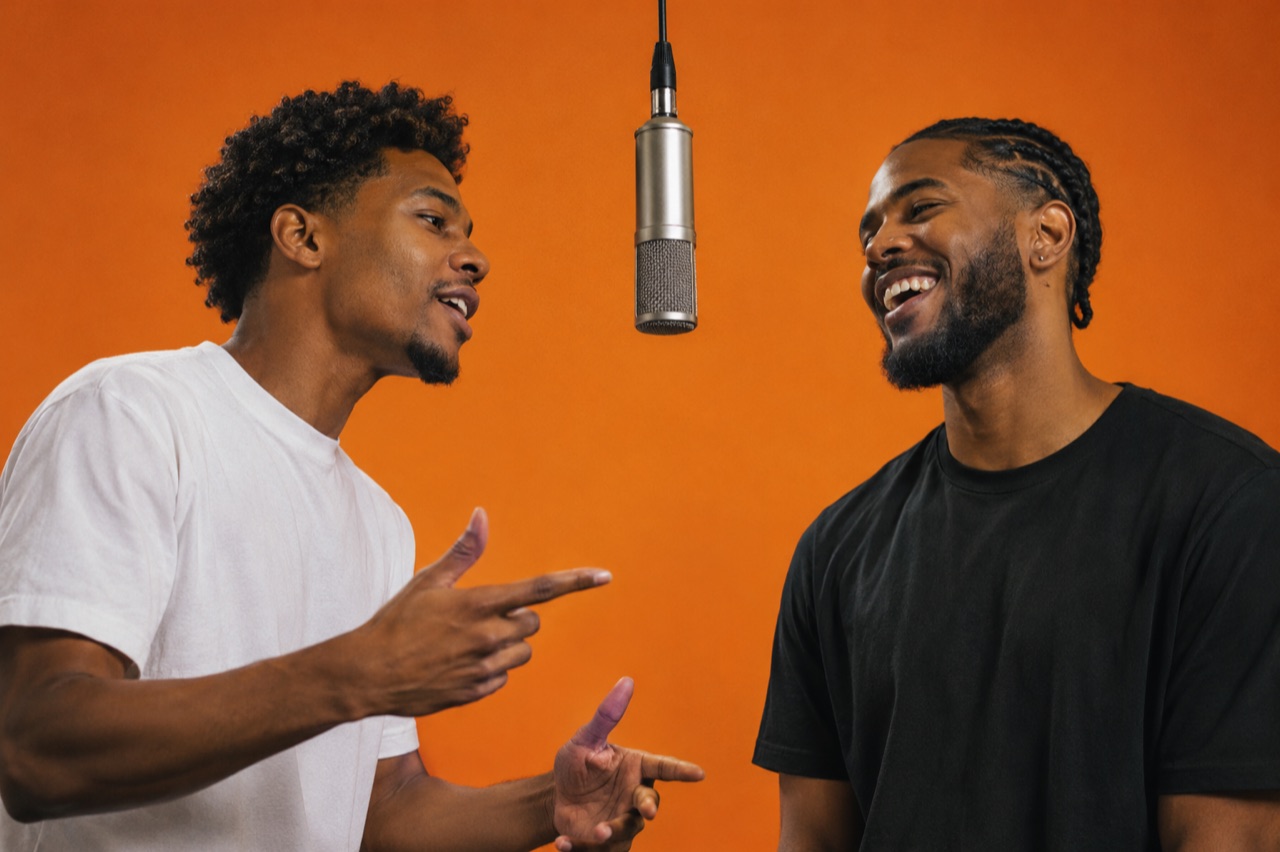
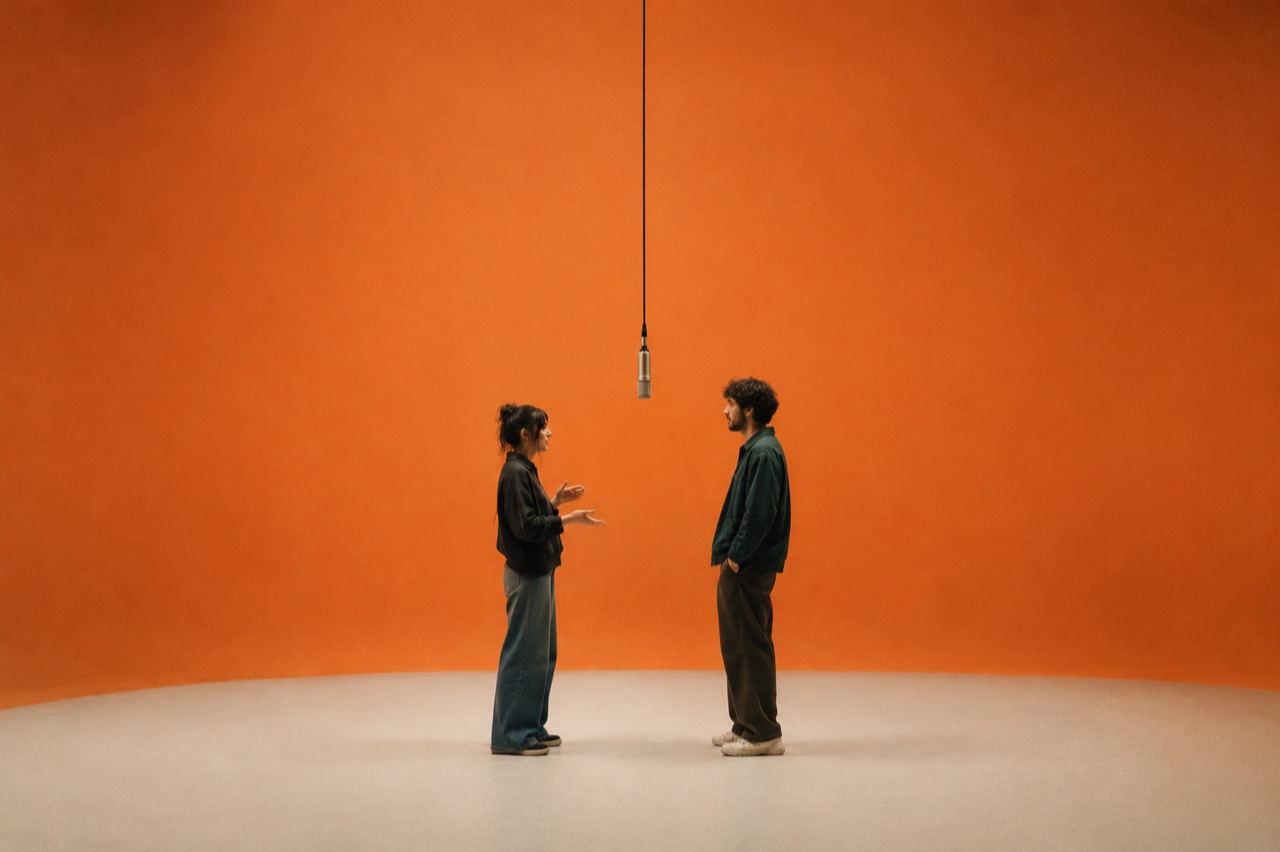
Two photos · One orange booth

Hotel Lobby AI Video

The Hotel Lobby look is specific: a saturated orange backdrop, one microphone hanging from the ceiling, and two performers trading verses in a locked two-shot. It is a short format — one room, one camera move, no cuts — which is exactly why it works as an AI clip.

Upload one clear photo per performer and the studio casts both into that booth. The render is a silent performance clip: there is no generated vocal and no copy of any real recording, so you lay your own licensed track over it in the editor.

Clips on this page are AI-generated previews. They are fictional and not a record of a real event.

Updated 24 October 2026

Two performers trading verses in front of an orange backdrop under a hanging microphone, Hotel Lobby AI video
Length
5–12 seconds
Resolution
480p · 720p · 1080p
Aspect ratio
9:16 · 16:9 · 1:1
Watermark
None on paid renders
Model
Seedance 2.0
Moderation
SeeAPI, fail-closed

The frame people recognise

Orange seamless backdrop, a single hanging microphone and two performers at chest height. The preset is written for the format, not for a generic stage.

Two photos, two stable faces

Separate portraits give the model one clean reference per performer, which is what stops both identities from drifting into each other.

Vertical by default

9:16 framing keeps both performers inside the safe area when the clip is cropped in a feed. 16:9 and 1:1 are there for a wider edit.

How it works

  1. 1

    Pick two front-facing portraits

    One person per photo, face unobstructed, similar light. Sunglasses, heavy filters and group shots all cost identity detail.

  2. 2

    Choose the Orange Booth preset

    The preset fixes the backdrop, the hanging microphone and the camera move, so you only have to describe the performance.

  3. 3

    Say who leads

    Name the lead and give the second performer a reaction. Two people doing the same thing reads as a freeze, not a performance.

  4. 4

    Score it in your editor

    The render is silent. Drop your own licensed track on the timeline and trim the clip to the bar you want to post.

Start from a tested prompt

Each prompt is complete: subject, scene, camera and what must not change. Copy it or open the studio with it pre-filled.

One rapper working a single hanging microphone in a saturated orange booth, vertical AI clip

Orange Booth Duo

Two rappers trade verses in an orange booth under one hanging microphone.

Prompt (English)

Use the two people in the uploaded photos as the only performers. A saturated orange seamless backdrop with a single silver microphone hanging from the ceiling between them. The two rappers stand at the microphone trading verses, one gesturing while the other nods, both facing the camera. Static medium two-shot at chest height with a very slow push-in. Keep the faces, hair, outfits, skin tone and body proportions exactly as photographed. No text, no watermark, no logo, no real person likeness, no extra people.

Use in studio

Orange Booth Solo

One performer works the hanging microphone alone.

Prompt (English)

Use the person in the uploaded photo as the only performer. A saturated orange seamless backdrop with a single silver microphone hanging from the ceiling. The rapper performs directly to camera, one hand marking the beat, shoulders moving with the line. Locked medium shot at chest height with a slow drift to the left and shallow depth of field. Keep the face, hair, outfit, skin tone and body proportions exactly as photographed. No text, no watermark, no logo, no real person likeness, no extra people.

Use in studio

Orange Booth Crew

The duo performs while a row of silhouetted onlookers watches.

Prompt (English)

Use the two people in the uploaded photos as the only performers. A saturated orange seamless backdrop with one hanging silver microphone and a loose row of silhouetted onlookers along the bottom edge of frame, out of focus. The two rappers trade verses at the microphone, one stepping forward on the beat while the other laughs. Static medium shot with a slight handheld sway. Keep the faces, hair, outfits and body proportions exactly as photographed. No distinguishable faces in the crowd, no text, no watermark, no logo, no real person likeness.

Use in studio

Why the orange booth is more than a background

The format is a stage with nowhere to hide. There is no crowd, no set dressing and no cutaway, so the audience looks at two faces for the whole clip. That is why the backdrop works: a saturated orange wall flattens the depth and pushes the performers forward.

A single hanging microphone gives the frame a centre line. Both performers arrange themselves around it, which solves blocking for you. Copy the composition, not the footage: one wall, one microphone, two people, one camera move.

Consent and likeness before you upload

Only upload photos of yourself or of people who have agreed to appear. This is not a formality: the format is built on real faces, and a clip made from someone else's photo can follow them around the internet. Do not use photos of public figures, artists, ex-partners or classmates.

The studio generates a fictional performance. It does not clone a voice, does not use any original recording and is not affiliated with any artist or label. If you post a clip, do not present it as a real performance by a real person.

Scoring a silent clip

Video generation here produces pictures, not audio. The file you download is silent, which is a feature for editing: your track stays untouched and the clip bends to the beat instead of the other way around.

Use a song you have the right to use. Cut the clip to the bar you want, trim the head and tail, and keep the loop point on a beat so it replays cleanly. A 12-second clip scored over an eight-bar loop reads as a full scene.

Questions people ask

Is this the same thing people call the Migos AI trend?

That is the name the format picked up online, after a 2022 live-session performance in an orange booth. AI Rap Video is not affiliated with Migos, any artist or any label, and the studio does not generate real people. You upload your own photos and get a fictional performance in that visual style.

Does the clip come with the song?

No. Renders are silent performance video. Add a track you have the right to use in your editor; the clip is cut to loop cleanly on a beat.

Can I use a photo of a friend or a celebrity?

Friends only with their permission. Public figures, artists and anyone who has not agreed should not be uploaded at all, and the terms prohibit it.

What if the two photos have different lighting?

The pair still renders, but it can look composited. Retake one photo near a window if you can, or accept a little drift on the second face and fix it by simplifying the camera move.

How long is the clip and what does it cost?

Length runs from 5 to 12 seconds. The default — 12 seconds at 720p — costs 35 credits; 12 seconds at 1080p is 90 credits, and shorter clips cost less.

Will both faces stay stable?

Usually, if each photo is sharp and front-facing. Face swaps come from similar outfits, similar hair, low-resolution photos or a camera that moves too fast. Change one variable at a time.

Can I post the result commercially?

You can use the clip you generated, subject to the terms and to the rights in your audio. Do not present it as a real performance by a real person, and follow the platform's synthetic-media disclosure rules.

Turn your photo into a clip

Start with the preset on this page, or write your own shot. Credits are shown before you generate, and failed renders are refunded.