9:16 · Hook first · Safe zones

AI Rap Video for TikTok

TikTok does not watch a video the way a YouTube viewer does. The first two seconds decide whether there is a third, the frame is vertical, and the interface covers the edges you might otherwise use for text. A clip built for a feed has to be composed for that reality.

This studio exports 9:16 by default and keeps the performer large in frame. The presets start with motion and a clear face because those are what survive a fast scroll. Captions, hooks and the track are added in your editor.

Clips on this page are AI-generated previews. They are fictional and not a record of a real event.

Updated 24 October 2026

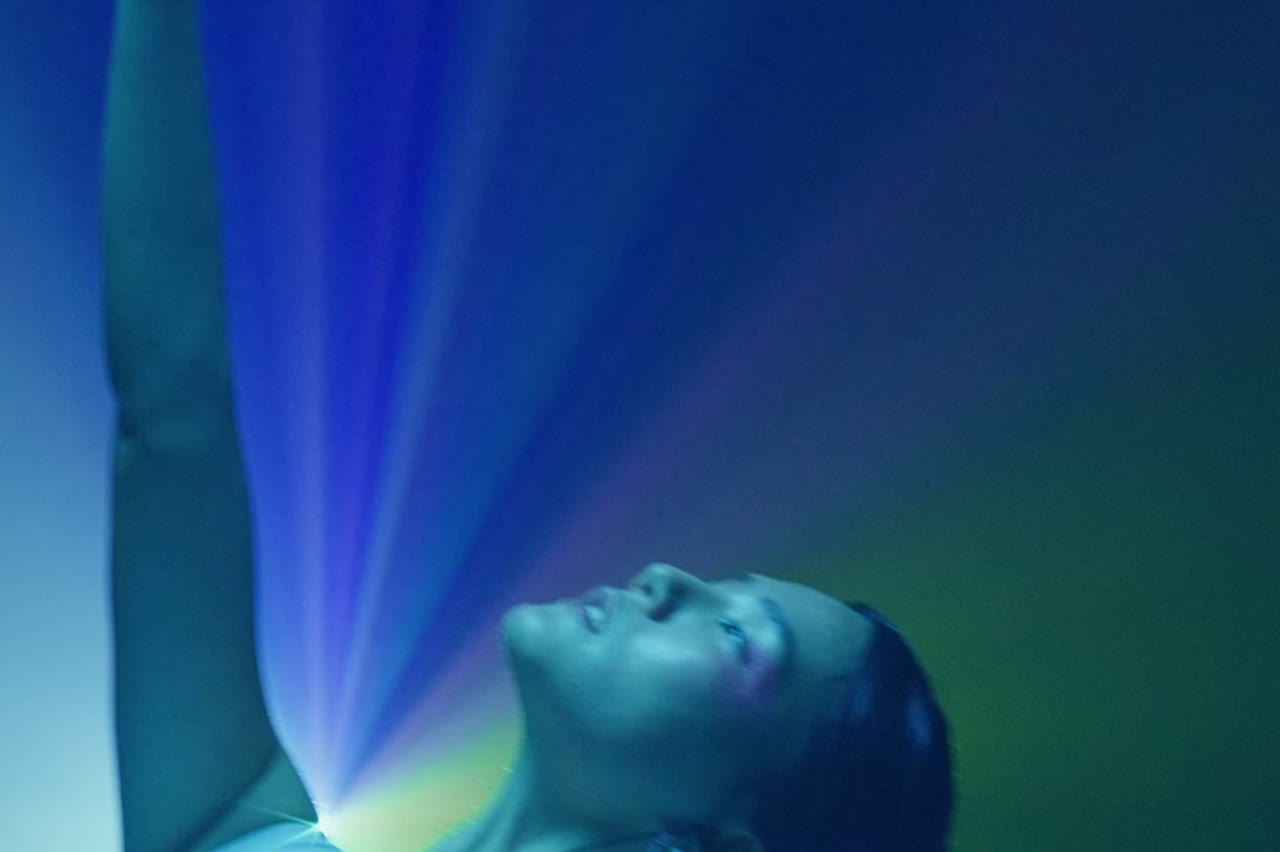
A vertical rap performance clip framed for TikTok, performer under magenta light
Length
5–12 seconds
Resolution
480p · 720p · 1080p
Aspect ratio
9:16 · 16:9 · 1:1
Watermark
None on paid renders
Model
Seedance 2.0
Moderation
SeeAPI, fail-closed

Vertical from the start

9:16 is the native export, not a crop of a wide shot. The performer is framed for a phone, not shrunk into the middle of a landscape frame.

Motion in the first second

Every preset starts with the camera already moving or the performer already performing. There is no dead air while the scene establishes.

Room for captions

Compositions keep the top and bottom edges relatively clear, so platform UI and captions do not cover the face.

How it works

  1. 1

    Pick a hook shot

    A close performance frame with the artist looking at the lens. Save the wide establishing shot for later in the edit.

  2. 2

    Generate 5 to 8 seconds

    Short is enough for a feed. A tight clip is cheaper, easier to review and less likely to drift.

  3. 3

    Add captions and the track

    Put the first lyric or the hook on screen immediately. Keep text inside the safe area and large enough to read at arm's length.

  4. 4

    Post natively and test

    Upload the MP4 directly rather than linking from another platform. Test two openings with the same clip and keep the one that holds attention.

Start from a tested prompt

Each prompt is complete: subject, scene, camera and what must not change. Copy it or open the studio with it pre-filled.

A close vertical shot of a rapper gesturing to camera, built for Reels and Shorts

Duo Stage

Two rappers trade verses on a small club stage.

Prompt (English)

Use the two people in the uploaded photos as the only performers. A small club stage at night, purple and magenta lights cutting through haze, a packed crowd in silhouette at the front. The two rappers stand side by side trading verses, one gesturing to the crowd while the other nods to the beat. One continuous handheld shot at chest height that pushes in from the back of the stage to a tight two-shot, then drifts slightly right. Keep the faces, hair, outfits, skin tone and body proportions exactly as photographed. No lip-sync mismatch, no extra people, no text, no watermark, no logo. Vertical 9:16.

Use in studio

Solo Booth

A close, intimate booth performance to camera.

Prompt (English)

Use the person in the uploaded photo as the only performer. A narrow recording booth at night, a large-diaphragm condenser microphone on a shock mount, warm tungsten key light from the left and a cold blue rim light from behind. The rapper leans into the mic and performs directly to camera, shoulders moving with the beat. One slow dolly-in from a medium shot to a close-up, shallow depth of field, slight handheld float. Keep the face, hair, outfit and skin tone exactly as photographed. No headphones swapping, no extra people, no text, no watermark, no logo. Vertical 9:16.

Use in studio

Night Cypher

A rooftop cypher circle under sodium lights.

Prompt (English)

Use the person in the uploaded photo as the lead performer. An empty rooftop car park at night, wet concrete reflecting orange sodium lights, a loose circle of six silhouetted figures clapping. The rapper walks into the centre of the circle and performs, turning slowly to face the camera. One continuous low-angle tracking shot that circles the performer at knee height, ending on a medium close-up. Keep the face, hair, outfit and body proportions exactly as photographed. No fighting, no extra foreground people, no text, no watermark, no logo. Vertical 9:16.

Use in studio

Composing for a covered screen

TikTok, Reels and Shorts all overlay interface elements on the right edge and the bottom of the video. A face placed in the lower-right corner disappears under buttons. Keep the performer centred or slightly high, and reserve the lower third for captions.

The safe area is smaller than the export. Preview the clip inside the actual app before you publish, not just in your editor. The difference between a clean frame and a covered face is usually one drag of the crop.

The first two seconds

Start with the performer already in motion: mid-gesture, mid-step, mid-line. A clip that begins with a slow fade or an empty stage loses the scroll. If the generated shot starts too still, trim into it in the editor.

A visible face and a clear action are stronger hooks than a spectacular background. Viewers decide whether to stay based on the person, not the set. Generate a close shot for the opening and save the wide world-building shot for after the hook.

Posting a series without burning out

Generate three clips in one session with the same performer and palette, then schedule them across a week. A consistent look makes the account recognisable and reduces the pressure to produce something new every day.

Do not repost the identical file across three platforms in the same minute. Export a clean master, then add platform-specific captions and covers. The clip can be the same; the packaging should not be.

Questions people ask

What aspect ratio is best for TikTok?

9:16. The studio exports it natively. Avoid uploading a 16:9 clip with black bars, which wastes most of the screen.

How long should a rap clip be?

Five to eight seconds for a hook. Fifteen to thirty seconds if you are cutting several generated shots to one verse.

Can I add captions in the studio?

No. Add captions in your editor or in the platform's caption tool, where you can time and proofread them.

Will TikTok reduce reach for AI-generated video?

Platforms require disclosure of realistic synthetic media. Label the clip where required and focus on whether it is entertaining; disclosure is not a substitute for quality.

Can I use trending sounds with a generated clip?

Yes, if the sound is licensed for your use. The studio does not supply music.

Why is the face cropped at the top?

The preset frames for a vertical screen, but platform UI can still overlap. Regenerate with the performer lower in frame or adjust the crop in your editor.

Can I make a clip for Reels and Shorts from the same file?

Yes. Export one clean 9:16 MP4 and upload it to each platform. Rebuild captions per platform if the safe areas differ.

Turn your photo into a clip

Start with the preset on this page, or write your own shot. Credits are shown before you generate, and failed renders are refunded.