One workflow · Four scenes

AI Rap Video Maker

Most video tools give you a blank timeline and a hundred controls. A rap video maker should give you the opposite: four scenes that already look like rap videos, a place to upload a photo, and a download button. The creative decisions stay with you; the editing suite does not get in the way.

This maker is built around a single short shot. You choose the stage, the performer and the camera move, and the studio handles moderation, rendering, credits and delivery. If you need a multi-shot edit, you cut the clips together in the editor you already use.

Clips on this page are AI-generated previews. They are fictional and not a record of a real event.

Updated 24 October 2026

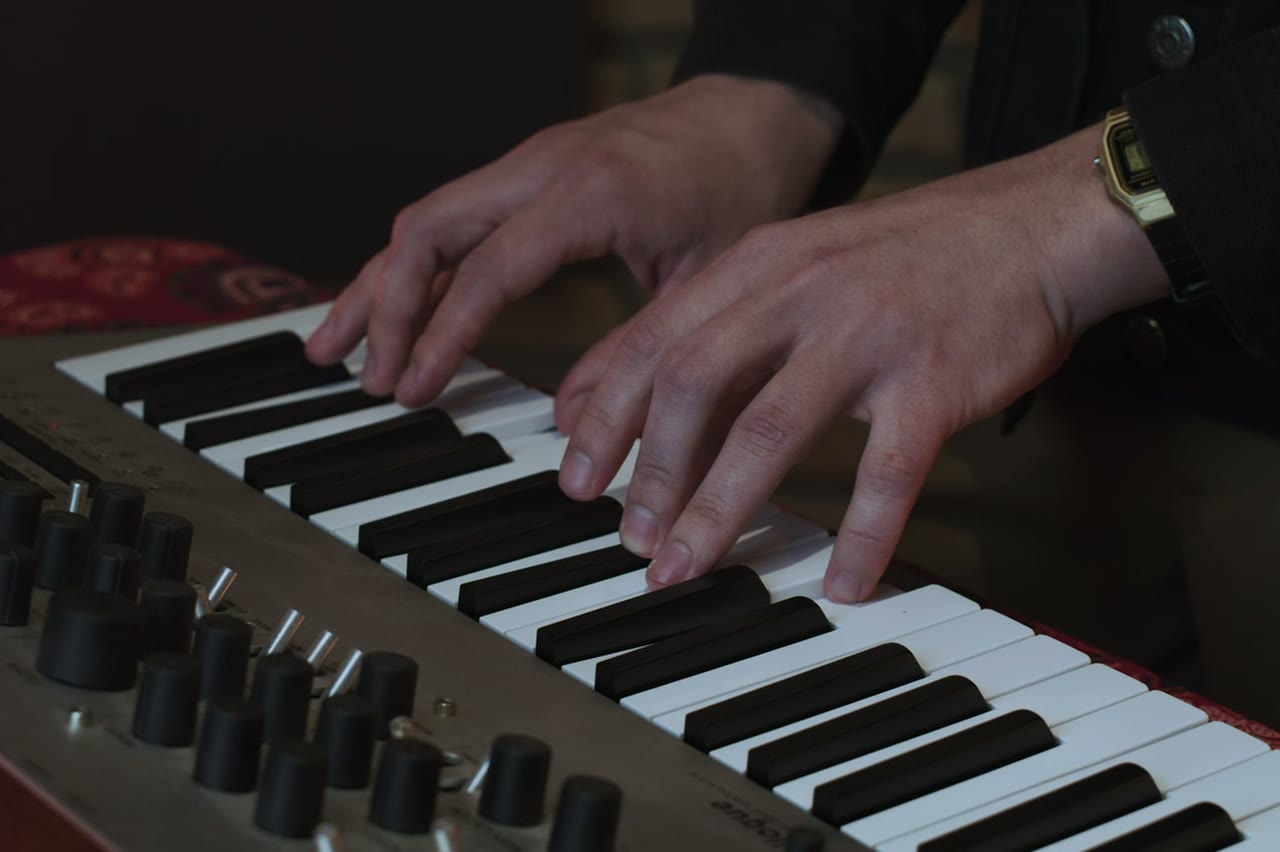
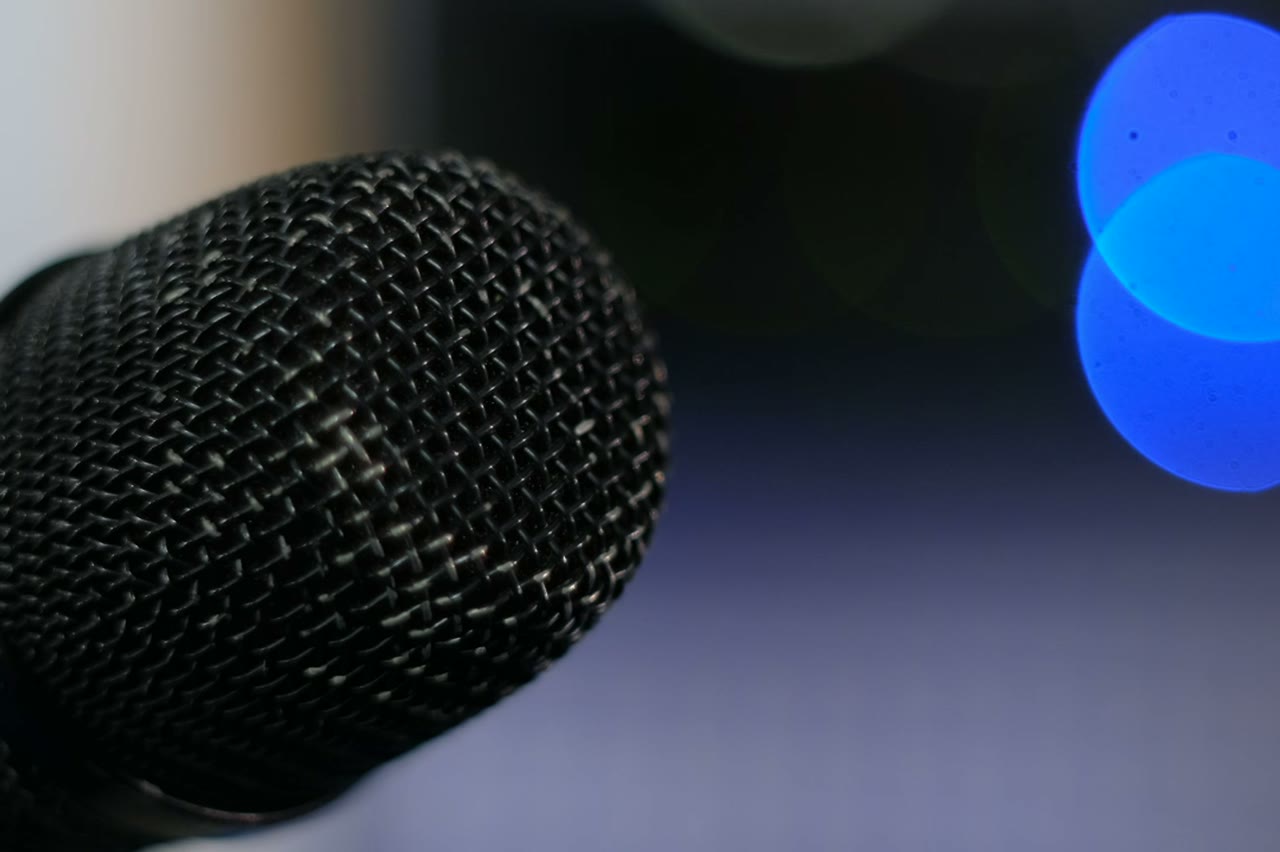
A rapper performing on a small stage with a microphone, AI rap video maker output
Length
5–12 seconds
Resolution
480p · 720p · 1080p
Aspect ratio
9:16 · 16:9 · 1:1
Watermark
None on paid renders
Model
Seedance 2.0
Moderation
SeeAPI, fail-closed

A short path, not a studio

Four presets, one prompt box, three output sizes. The tool is designed to get a usable clip in a few minutes, not to replace a video editor.

Cost visible before the click

Resolution and length determine the credit cost, and the number is shown on the button before the task is submitted. No surprise deductions.

Paid output without a watermark

Successful paid renders download clean. The in-app preview is marked so a draft cannot be mistaken for the final file.

How it works

  1. 1

    Start from a preset

    Duo Stage, Solo Booth, Night Cypher or Retro VHS. Each one is a complete prompt with subject, location, light and camera already decided.

  2. 2

    Add your performer

    Upload one portrait, or two for a duo scene. Text-only prompts work too, but a photo is what makes the result feel like your artist.

  3. 3

    Adjust the scene, not everything

    Change the location or the action, keep the identity and guardrail sentences. One edit per test render keeps the comparison honest.

  4. 4

    Download and edit elsewhere

    Export the MP4, then add the track, captions and cuts in your editor. The maker supplies the footage, not the finished music video.

Start from a tested prompt

Each prompt is complete: subject, scene, camera and what must not change. Copy it or open the studio with it pre-filled.

A vertical performance frame with neon stage lighting, made in an AI rap video maker

Solo Booth

A close, intimate booth performance to camera.

Prompt (English)

Use the person in the uploaded photo as the only performer. A narrow recording booth at night, a large-diaphragm condenser microphone on a shock mount, warm tungsten key light from the left and a cold blue rim light from behind. The rapper leans into the mic and performs directly to camera, shoulders moving with the beat. One slow dolly-in from a medium shot to a close-up, shallow depth of field, slight handheld float. Keep the face, hair, outfit and skin tone exactly as photographed. No headphones swapping, no extra people, no text, no watermark, no logo. Vertical 9:16.

Use in studio

Duo Stage

Two rappers trade verses on a small club stage.

Prompt (English)

Use the two people in the uploaded photos as the only performers. A small club stage at night, purple and magenta lights cutting through haze, a packed crowd in silhouette at the front. The two rappers stand side by side trading verses, one gesturing to the crowd while the other nods to the beat. One continuous handheld shot at chest height that pushes in from the back of the stage to a tight two-shot, then drifts slightly right. Keep the faces, hair, outfits, skin tone and body proportions exactly as photographed. No lip-sync mismatch, no extra people, no text, no watermark, no logo. Vertical 9:16.

Use in studio

Night Cypher

A rooftop cypher circle under sodium lights.

Prompt (English)

Use the person in the uploaded photo as the lead performer. An empty rooftop car park at night, wet concrete reflecting orange sodium lights, a loose circle of six silhouetted figures clapping. The rapper walks into the centre of the circle and performs, turning slowly to face the camera. One continuous low-angle tracking shot that circles the performer at knee height, ending on a medium close-up. Keep the face, hair, outfit and body proportions exactly as photographed. No fighting, no extra foreground people, no text, no watermark, no logo. Vertical 9:16.

Use in studio

What makes a maker different from a generator

A generator exposes a model. A maker packages a repeatable job. The difference is in the defaults: the aspect ratio, the clip length, the prompt guardrails and the review step are chosen for one kind of output. That narrowness is the feature.

It also means the maker should be honest about limits. This one does not generate audio, does not lip-sync to a vocal stem and does not assemble a multi-scene timeline. It makes short performance shots that you combine yourself.

The settings that change the result most

The photo is the first lever, the camera move is the second, and the length is the third. Resolution affects detail and price, but a soft face at 1080p is still a soft face. Fix identity and motion before you pay for more pixels.

Aspect ratio is a distribution decision, not a creative one. Choose 9:16 for TikTok, Reels and Shorts, 16:9 for YouTube and a website hero, and 1:1 only when a feed placement demands it.

A small workflow for a consistent feed

Pick one preset and one lighting style, then vary the scene detail across five clips. Post them in sequence so the feed feels like a series rather than five unrelated experiments. Consistency is what makes a low-budget visual look intentional.

Keep a written log of the photo, prompt and settings behind every clip you publish. When a clip performs well, the log is the only way to make the next one on purpose instead of by accident.

Questions people ask

Is this a full music video editor?

No. It creates short clips. You add the song, captions and cuts in a separate editor.

Do I need design or video experience?

No. Choose a preset, upload a photo and press Generate. The prompt box is there if you want more control, not because you need it.

Can I make a 60-second video in one render?

No. Renders are 5 to 12 seconds. A 60-second video is several clips cut together.

Can I use the maker on a phone?

Yes. The studio is responsive and the vertical export is designed for phone-first platforms.

What happens if a render fails?

The task reports failed and the reserved credits are returned. Retry with a shorter clip or a simpler camera move.

Can I delete my uploaded photos?

Uploads are used for the render you requested. Keep control of your own copies and do not upload images you are not allowed to use.

Do I need a subscription?

You can buy a one-time credit pack or subscribe monthly. Both use the same studio; subscriptions simply include a recurring credit grant.

Turn your photo into a clip

Start with the preset on this page, or write your own shot. Credits are shown before you generate, and failed renders are refunded.